Photo Guides
How to Download Instagram Carousel Posts
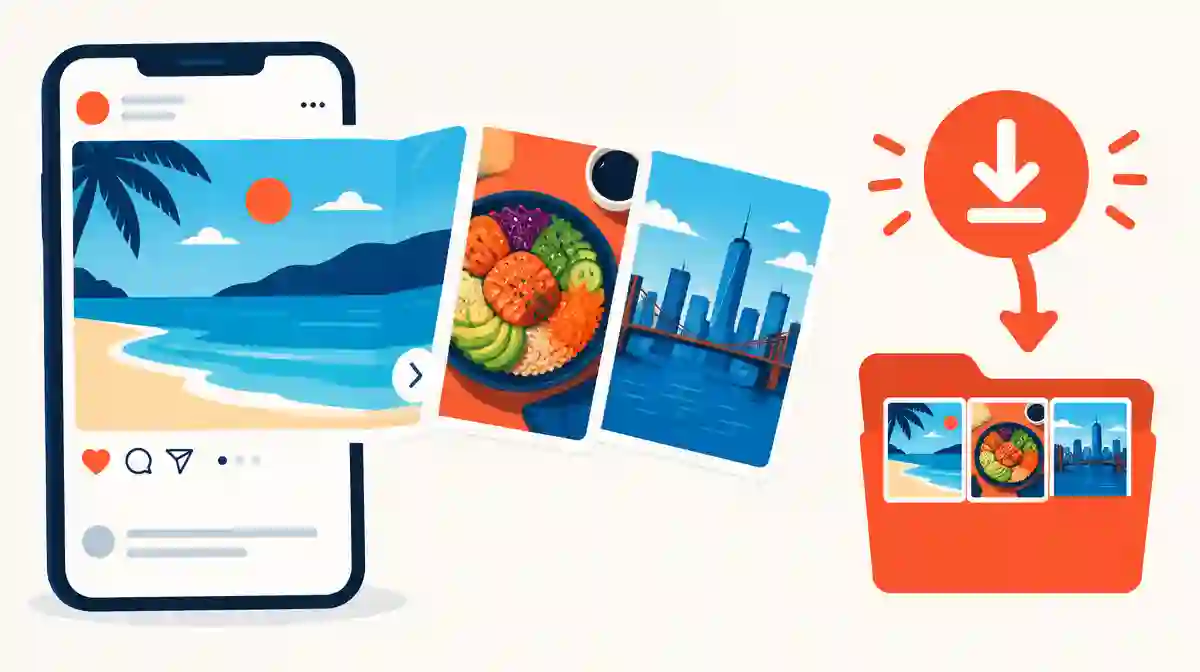
Here is how to download Instagram carousel posts without an app. Copy the public post link, retrieve its full slide list, then save each photo and video in order.
One carousel URL can contain several separate media files. Instagram does not offer a native button that exports every slide at once.
Saving inside the app bookmarks the post; it does not place the photos or videos in your device storage.
Recognize an Instagram carousel, album or photo dump
An Instagram carousel is one post that holds several photos, videos or a mix of both. People also call it an album, an Instagram multi-photo post or a photo dump.
You can spot one by the small dots under the first image and the swipe arrows on its sides. The post has a single caption and one share link for the whole set.
Instagram has changed the maximum slide count over time, so treat any fixed number as a moving product detail. Check the current limit in Instagram's own help pages before relying on it.
Because all slides share one URL, learning how to download Instagram carousel posts starts from that single post link. Individual image addresses are not needed.
| Name people use | What it means | What one link contains |
|---|---|---|
| Carousel | Instagram's own name for a swipeable multi-item post | Several photos, videos or both |
| Album | Common informal name for the same format | The same grouped slide list |
| Photo dump | A casual photo-only carousel | Multiple images under one caption |
| Slideshow | A carousel viewed as a sequence | Ordered slides, sometimes with video |
Why Instagram cannot save multiple photos from Instagram natively
The in-app Save control adds the post to a private collection inside Instagram. It keeps a reference to the post, not copies of its media files.
A long-press or screenshot captures only the slide currently on screen, at display quality. It cannot collect the remaining slides or preserve their original files.
Creators can download their own published content through account tools. That path applies to your own posts rather than somebody else's public carousel.
This gap is why an Instagram carousel downloader tool exists. It reads the public post and prepares each available slide as a separate file.
Download all slides from an Instagram carousel in three steps
Start with the post's share link. Open the permitted public carousel, choose Copy Link from its sharing menu, or copy the post URL from the desktop address bar.
Paste the link into the Instagram carousel downloader tool and select Download. The result lists each available slide as its own photo or video file.
Save the slides you need. Keeping the original order matters for tutorials, before-and-after sets and product sequences, so check the numbering before sharing the files elsewhere.
These three steps describe how to download Instagram carousel posts without an app, an account or a password.
- Copy link: use the post's sharing menu on mobile, or the address bar on desktop. Profile links and single-image addresses do not identify the full carousel.
- Retrieve slides: paste the URL and let the tool list every available photo and video in the post.
- Save in order: download each slide and confirm the sequence matches the original post before reusing it.
Save every slide from mixed carousel photos and videos
A mixed carousel can hold photos and videos together. Each slide keeps its own format: images save as image files and videos save as MP4 files.
Tools that show only the first slide are reading the post's preview rather than its full media list. A complete retrieval lists every slide the public post exposes.
Some workflows bundle slides into a numbered ZIP archive; others present individual files. Numbering preserves the swipe order either way.
When one slide fails while others succeed, that single item may be unavailable or restricted. Re-check the post rather than assuming the whole carousel failed.
Set realistic expectations for Instagram slideshow download quality
A downloaded slide matches the quality Instagram serves for that post. No tool can restore detail that the uploaded or displayed version does not contain.
Treat HD labels as marketing unless a tool states the actual file dimensions. Compare the saved file's resolution with what the post displays.
Photos and videos follow different compression paths. Slides from one carousel can differ in sharpness even when they looked consistent in the app.
For a single standout image, the Instagram photo downloader tool saves one picture; the carousel workflow is for the whole set.
Find saved carousel slides on iPhone, Android and desktop
On iPhone, Safari may place downloads in Files or offer a share sheet. Choose Save to Files when it appears and note the folder you select.
Android browsers usually save to a Downloads folder. Check the browser's download list first, then the file manager, rather than only the Gallery app.
Desktop browsers use their configured download folder or ask for a destination. Several slides arriving at once can appear as a group of files or one archive.
Saving each slide still requires your own click or confirmation. A prepared file is not stored until you choose to save it.
| Device | Where slides usually land | If a slide seems missing |
|---|---|---|
| iPhone / Safari | Files or the folder chosen in Save to Files | Check Safari's download list and the selected folder |
| Android / Chrome | Downloads in the browser and file manager | Search the filename instead of only checking Gallery |
| Windows / Mac | The browser's configured download folder | Confirm each Save action and any browser prompt |
Fix common Instagram carousel download problems
When only the first slide appears, the tool read the post preview. Use a workflow that retrieves the full media list from the post link.
A private, deleted or region-limited post has no retrievable public URL. Confirm the post still opens in a logged-out browser before retrying.
One failed video slide inside a photo carousel usually means that single item was unavailable. Save the remaining slides and check the post again later.
When saved photos look soft, compare them with the post at full size. The limit is usually the served image, not the saving step. These checks keep how to download Instagram carousel posts predictable rather than a retry loop.
Check permission before you download Instagram album photos for reuse
Knowing how to download Instagram carousel posts does not grant rights to republish their photos or videos. Public visibility and copyright permission are different things.
Ask the creator before reuse outside permitted exceptions, and credit them where they request it. Product photos, artwork and infographics often have explicit owners.
This workflow needs only a public post link, never your Instagram password. Do not share credentials with any service that asks for them.
Private accounts, Stories and Highlights sit outside this public-post workflow. Request the files directly from their owner instead.
Answer Instagram carousel download questions
How to download Instagram carousel posts with all slides?
Copy the public post link, paste it into a carousel downloader and save each listed photo and video in order. One post URL contains the whole slide set.
Can Instagram save multiple photos from Instagram natively?
No. The in-app Save control bookmarks the post inside Instagram, and a screenshot captures only the visible slide. Neither exports the full set of files.
Does an Instagram carousel download work for mixed photos and videos?
Yes, a complete retrieval lists each slide in its own format. Photos save as image files and video slides save as MP4 files.
Why does a tool show only the first slide of my carousel?
It read the post's preview instead of its full media list. Use a downloader that retrieves every slide the public post exposes.
Will the slide order stay the same after a carousel download?
With a full-list tool, the swipe order is preserved through numbered files or a numbered archive. Check the sequence before reusing the files.
Can I download an Instagram album from a private account?
No. This public-post workflow cannot retrieve private, deleted or restricted posts. Ask the account owner to share the files directly.
Where do Instagram slideshow download files go on iPhone or Android?
On iPhone, check Files or the folder chosen in Save to Files. On Android, check the browser's download list and the Downloads folder in the file manager.
Is it legal to reuse photos from an Instagram carousel download?
Downloading for personal reference differs from republishing. Get the creator's permission before reuse outside permitted exceptions, because public availability is not a license.
Do I need an app or login to download every slide of a carousel?
No. The browser workflow needs only the public post link. Never enter your Instagram password on a third-party downloader.