Troubleshooting & Safety
Instagram Photos Blurry? Fix Quality Loss
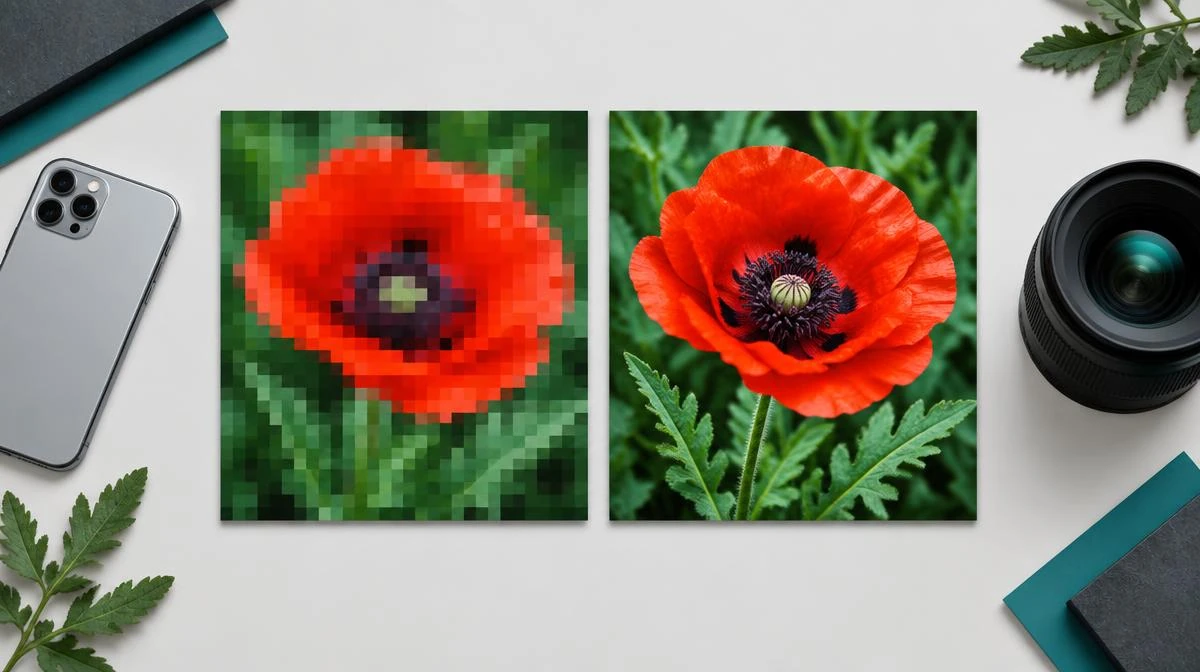
If you find Instagram photos blurry, compare your original, published post, and saved image to locate the quality loss. Check pixel dimensions before changing upload settings or downloading again.
This guide separates compression, screenshots, loading previews, and genuinely blurry originals. It does not promise a lossless camera original from a compressed Instagram post.
Identify blurry Instagram photos before changing settings
When you find Instagram photos blurry, compare the camera original, the published post, and the saved image. These 3 copies show where quality loss begins. A sharp original and soft upload point toward the publication process.
Next, a sharp post and blurry download point toward the saving method or a smaller rendition. Inspect image dimensions rather than trusting a filename containing HD. File size alone cannot prove that a photo contains more detail.
| Symptom | Check | Next action |
|---|---|---|
| Original blurry | Focus and motion in camera file | Use a sharper original or reshoot |
| Upload blurry | Export size and upload settings | Compare a fresh single-upload test |
| Saved image blurry | Pixel dimensions and screenshot crop | Find the largest available authorized rendition |
| Only enlarged preview blurry | Zoom level and display scale | Inspect the actual saved file at 100% |
Explain Instagram compression and photo dimensions
Instagram compression reduces file data and can soften fine textures. Repeated exporting and uploading compounds those changes. A downloader cannot promise a camera-original file when Instagram only supplies a compressed published rendition.
For an upload test, prepare a 1080-pixel-wide image and choose a supported aspect ratio. Instagram can serve different sizes for different placements. Check its current resolution guidance rather than assuming every post has one permanent size.
Check high quality uploads and data saver settings
If Instagram photos blurry describes your own new posts, check upload quality settings before republishing. Look for Upload at highest quality where your app provides it. Menu names and availability can vary by version and device.
A data saver setting can change how previews load or how media uses your connection. Compare the final published image after it finishes loading. Test on a stable connection before concluding that the source file lost detail.
Replace a screenshot with the available source image
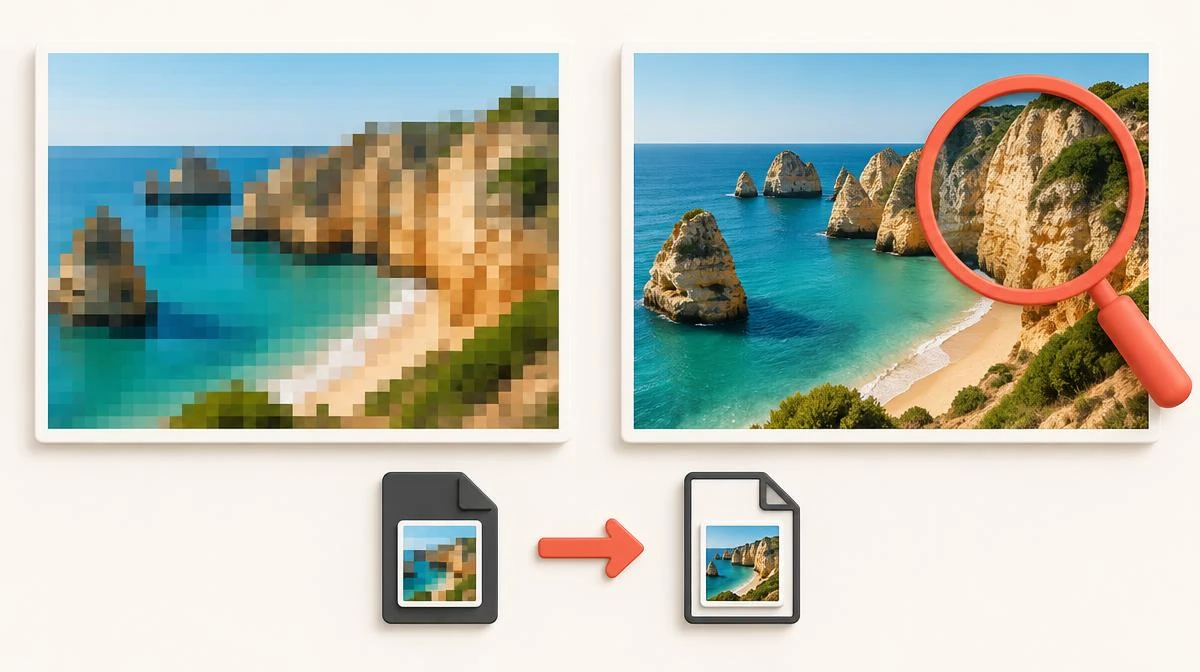
Taking a screenshot records the displayed preview, surrounding interface, and your screen dimensions. Cropping and enlarging that capture makes the loss more visible. The Instagram photo downloader page explains saving the available public image rather than capturing its preview.
Our downloader retrieves available public-post images, not a guaranteed camera original. Use a creator-provided original when you have permission. The how to download Instagram photos guide covers device folders and saving methods without claiming restored detail.
Inspect carousel photos and individual image quality
For carousel photos, compare each slide independently instead of judging the whole post from its cover. Different source dimensions can produce uneven results. A sharp first slide does not guarantee identical quality across the remaining images.
The Instagram carousel downloader page explains handling separate items from one post. Keep each saved image separate and inspect it at 100% zoom. Do not enlarge a 320-pixel thumbnail and call it a full-resolution copy. Choose the largest rendition the authorized source actually offers.
Set realistic limits for sharpening and image restoration
For Instagram photos blurry in the camera original, a different download method cannot repair missed focus. Sharpening increases edge contrast but cannot recover exact detail. Generative enhancement may invent features, so preserve the unedited file alongside any result.
Export a fresh JPEG from your best source instead of resaving a compressed copy repeatedly. For your own archive, retain the camera original outside Instagram. A published rendition remains a platform copy, not a guaranteed lossless backup.
When Instagram photos blurry also describes changed colours, separate display differences from lost resolution. Compare the same saved file in 2 viewers. Colour profiles and screen settings can change appearance without changing pixel dimensions.
Missing EXIF metadata does not by itself prove that image pixels became blurry. Inspect dimensions and visible detail separately from camera information. Avoid unsupported claims that popular posts or particular countries always receive sharper copies.
Questions about Instagram photos blurry
Why are my Instagram photos blurry after uploading?
Compare your original export with the published image. Compression, source dimensions, and repeated exports can all contribute to softness.
Why does Instagram make my photos blurry?
Instagram compression can reduce fine detail when it prepares media for display. A blurry source or enlarged preview can add further loss.
Can a screenshot preserve full image quality?
A screenshot preserves the displayed pixels, not the original image data. Cropping and enlargement can make those limits more obvious.
Does high quality uploads restore old images?
High quality uploads affects future upload behavior where available. It does not restore detail already missing from an older published image.
What photo dimensions should I check before posting?
Compare the pixel dimensions and supported aspect ratio with current Instagram guidance. A 1080-pixel-wide test helps identify unnecessary resizing without guaranteeing identical output.
Why do carousel photos have different sharpness?
Carousel photos may start with different dimensions or compression histories. Inspect each slide against its own original rather than only the cover.
Does a data saver cause every blurry download?
No, data saver and preview loading are only possible factors. Compare the actual saved file after loading finishes before blaming that setting.
Can sharpening fix Instagram photos blurry at the source?
Sharpening can improve edge contrast but cannot restore exact missing detail. Use your best original or reshoot when focus and motion caused the loss.
Why does the same source image show different colours on two devices?
Screen settings, colour profiles, and viewer handling can change appearance. Compare the same file at the same zoom before blaming compression.
Does missing EXIF metadata prove poor image quality?
No, metadata describes the file and camera rather than proving pixel sharpness. Check dimensions and visible detail separately from missing camera information.