Instagram Reel Downloader: Save Available Public MP4 Files
- No login or sign-up
- No watermark added
- Available source quality
Paste a public reel link into our Instagram reel downloader and press the Download button. Available MP4 quality, including 1080p, depends on the source; use the separate MP3 audio converter when sound exists. We add no watermark or signup requirement; source branding remains, and infrastructure may receive submitted links.
3 Steps to Download Instagram Reels With Our Reels Saver
How do you download an Instagram reel? Follow these three steps.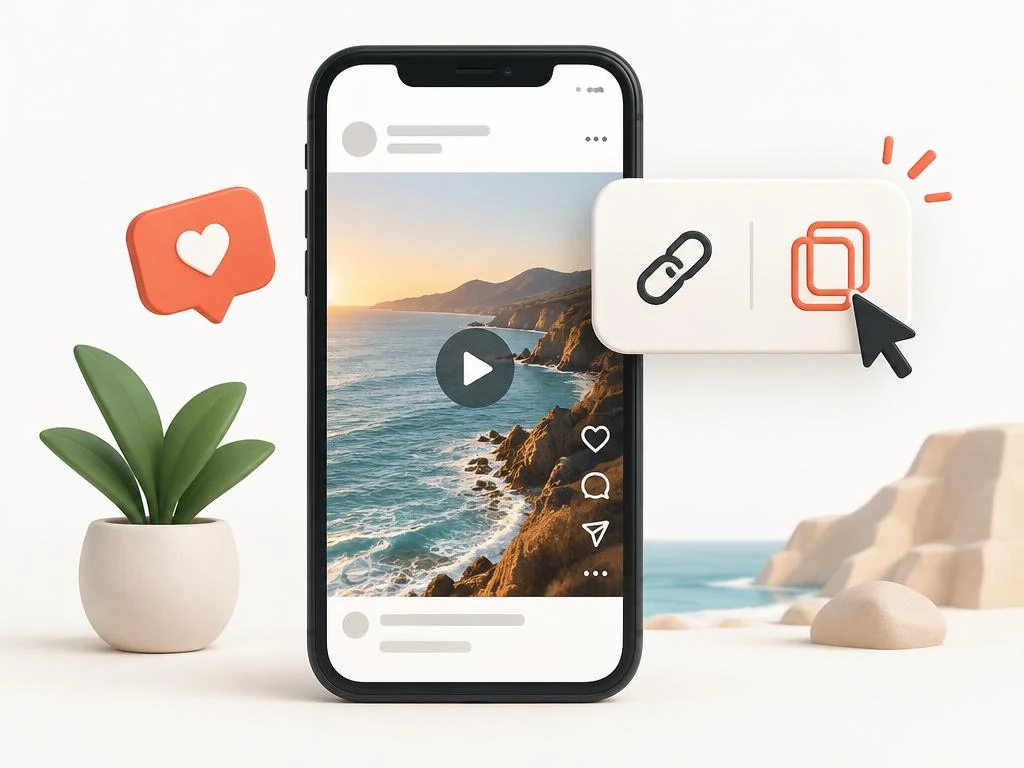 1
1Copy Link
Open the reel, tap the paper-plane Share icon, and press Copy Link.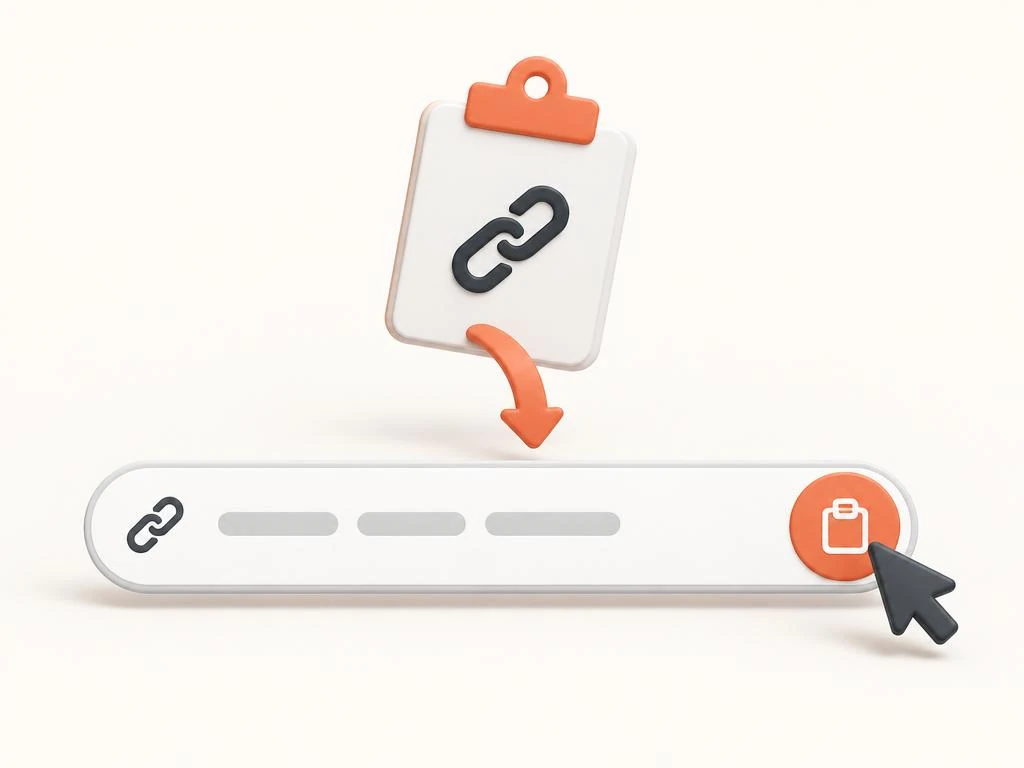 2
2Paste URL
Paste the reel link into the box above or tap the Paste button.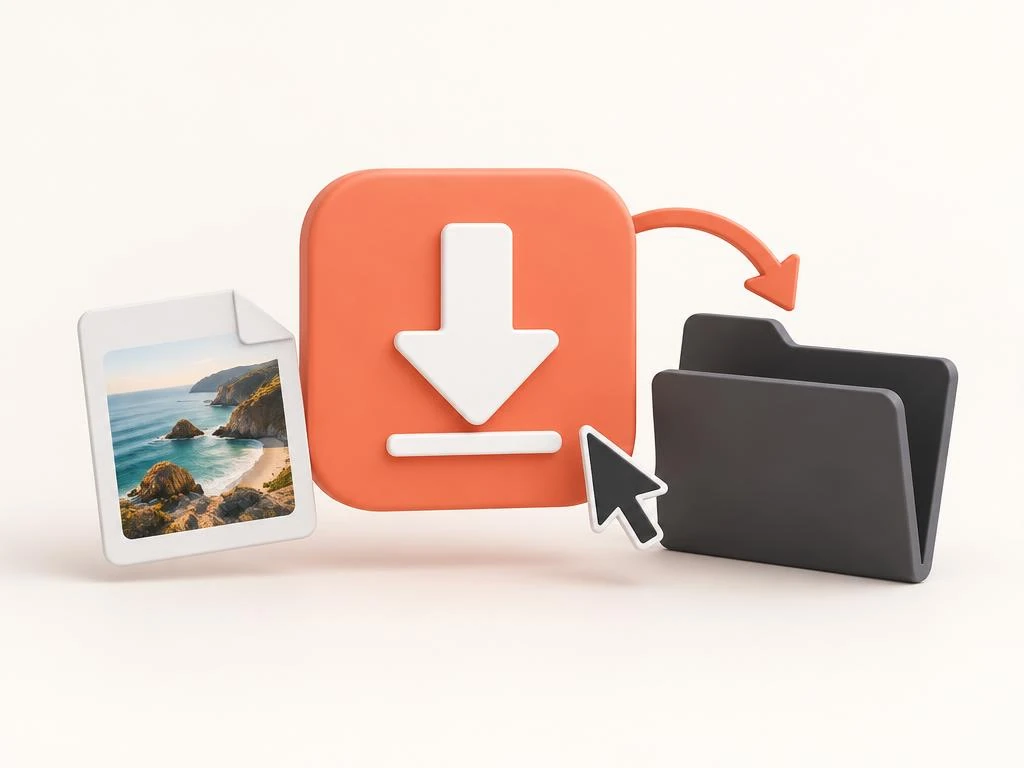 3
3Save File
Press Download, prepare an available MP4, then select Save file. Use the separate MP3 tool for audio.
Instagram Reel Downloader: How a Reels Downloader Pulls the MP4
An Instagram reel downloader copies the public video file from a reel link and saves it for you. This reels downloader finds an accessible MP4 format rendition; audio and resolution depend on that source. People also search for it as a reel downloader, IG reels downloader, insta reel downloader, or reels saver.
For saving methods and device instructions, read how to download Instagram Reels before choosing a public-link workflow.
Download IG Reel Links on Any Phone With the IG Reel Downloader
Copy the full reel address from the Share menu, because complete links help the IG reel downloader work. Paste it into the Instagram reel downloader, and the tool fetches the IG reel file from Instagram's server. Each reel download needs an accessible MP4 source; preparation time varies without an app or Instagram password.
What Makes This Full HD Reels Downloader Worth Bookmarking?
Instagram Video Saver is the Instagram reel downloader that turns public links into MP4 files fast. An insta reels download needs no payment or account here; source request limits can still stop retrieval. One reels downloader page handles iPhone, Android, Windows, and Mac browsers with the same three steps.
Instagram Reels Downloader HD
Available MP4 quality; 720p and 1080p depend on source.Reels Downloader Without Watermark
No added watermark; existing source branding remains.Original Audio Kept
Audio depends on the available MP4 soundtrack.Works on Every Device
iPhone, Android, Windows, and Mac browsers.No Login, No App
Nothing to install and no account to create.Unlimited and Free
No payment here; platform access limits can apply.
1080p Full HD Instagram Reels Download, Original Audio Intact
An Instagram reels download supplies an available MP4 rendition; inspect dimensions before assuming 1080p Full HD. The tool transfers the supplied soundtrack when present; missing or restricted music cannot return through another format. After Save file, locate the MP4 in the iOS Files app or Android Downloads; Gallery visibility varies.
A Reels Downloader Without Watermark Means Clean 1080p Files
This reels downloader without watermark never stamps a logo, username tag, or blur onto your saved reel. The Instagram reel downloader adds no watermark to the MP4; logos already in the source remain. Editors pick the Instagram reels downloader HD output because 1080p Full HD frames stay sharp in CapCut.
From Reel to MP4 Video, or Reels to MP3 Audio Only
Choose this Instagram reel to MP4 workflow for video; use the separate Instagram to MP3 converter for sound. The MP3 audio option helps when you want reels to MP3 tracks for edits, ringtones, or study playlists. The Instagram reel downloader also links to our Audio MP3 Extractor for longer soundtrack jobs.
Save Instagram Reels Without Login: Reels Saver Privacy Limits
You save Instagram reels without logging in, so the tool never sees your account name or password. This Instagram reel saver uses browser delivery; HTTPS protects published transport, not a verified no-logging policy. Using the Instagram reel downloader without your account does not prove invisible activity or no infrastructure logging.
The Instagram Reels Saver Creators Trust for Every Reel Download
Creators use the Instagram reel downloader to back up their own reels before they switch phones. Marketers download reels from public campaigns to study hooks, captions, pacing, and the trending sounds behind them. Families keep birthday and travel reels in the Android Gallery or iPhone Photos with this Instagram reels saver.
Where Do Downloaded Instagram Reels Go? Find Each MP4 File
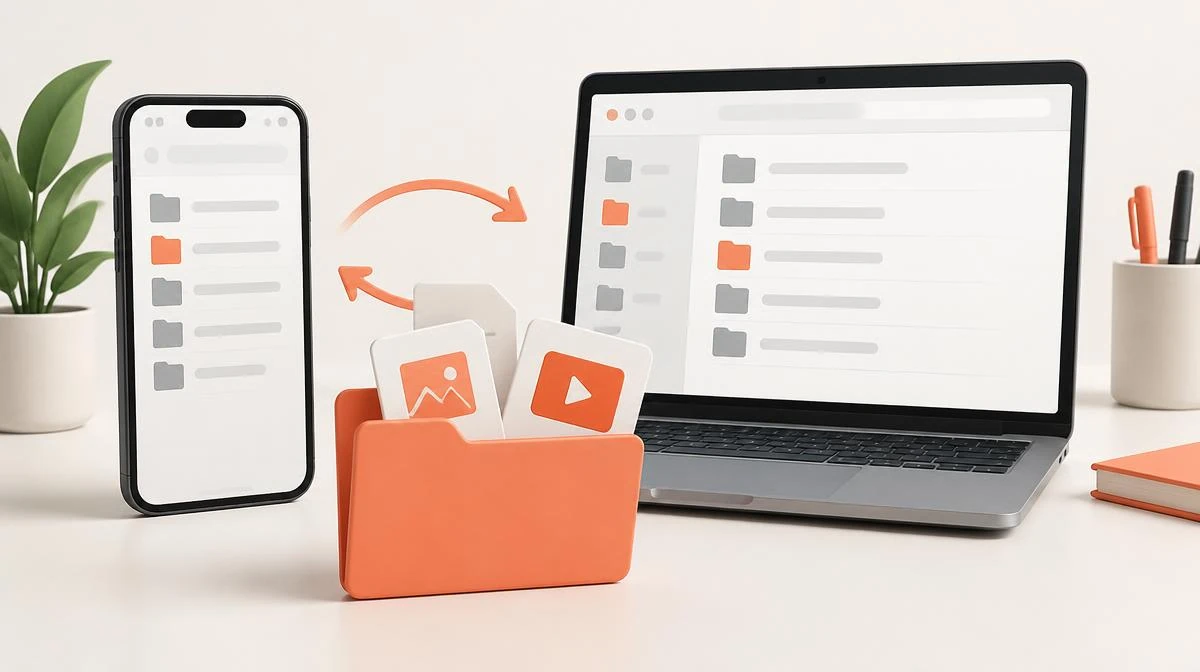
- Tap Download, then confirm the prompt that Safari shows.
- After selecting Save file, locate the MP4 in your configured Safari Downloads location inside Files.
- Open the file, tap Share, then tap Save Video to move the reel into Photos.
Full Specs: Reel Download in MP4, MP3, and 1080p
| Supported Formats | MP4 video here; separate MP3 converter and Photo downloader |
|---|---|
| Video Resolutions | Available rendition; 720p or 1080p when supplied |
| Audio | Supplied MP4 soundtrack; separate local MP3 conversion |
| Watermark | No added watermark; source branding remains |
| Account Requirement | Zero Registration / No Login Needed |
| Security | HTTPS transport after publication; not operator certification |
Why a Reel Downloader Beats Screen Recording Every Time
Our Instagram reel downloader transfers the available MP4; 1080p depends on source, while recording captures displayed pixels. Many reel apps ask for your Instagram login, but this browser tool needs no install or account. You download reels Instagram creators post publicly, and you skip the ads most mobile reel apps display.
| Method | Quality | Watermark | Install | Login |
|---|---|---|---|---|
| This tool | Available rendition | None | No install | No login |
| Screen recording | Lower, with bars | None | Built in | No login |
| Browser extension | Varies | Sometimes | Install needed | Often asks |
| Mobile reel app | Varies | Often added | Install needed | Often asks |
Legal Reels Download: What an Instagram Reels Saver Allows
You can use an Instagram reel downloader to watch public reels offline for personal, private viewing. Before you repost or download reels for reuse, ask the creator for permission and give credit. Every MP4 stays for personal use, and the reels saver never touches private or deleted accounts.
Reel Download Not Working? Fix Common Instagram Reels Downloader Errors
Free Instagram Reels Video Download: Start Your Reels Download Now
Scroll up, paste your link, and download Instagram reel files through the Instagram reel downloader on any device. An Instagram reel download needs no payment or signup here; 1080p Full HD depends on the available rendition. Bookmark this page so your next Instagram reels video download takes three taps instead of a screen recording.
Paste your Instagram link