Instagram to MP3: Save Audio From Accessible Public Videos
- No login or sign-up
- No watermark added
- Available source quality
Paste any public reel or video link into our Instagram to MP3 converter and press the Download button. Convert available original sound locally to a 320kbps MP3 target, without restoring detail the source lacks. You need no Instagram login; source retrieval uses our server, while audio conversion runs in your browser.
Convert Instagram to MP3 in 3 Steps With This Instagram Audio Downloader
How do you turn an Instagram video into an MP3? Follow these three steps.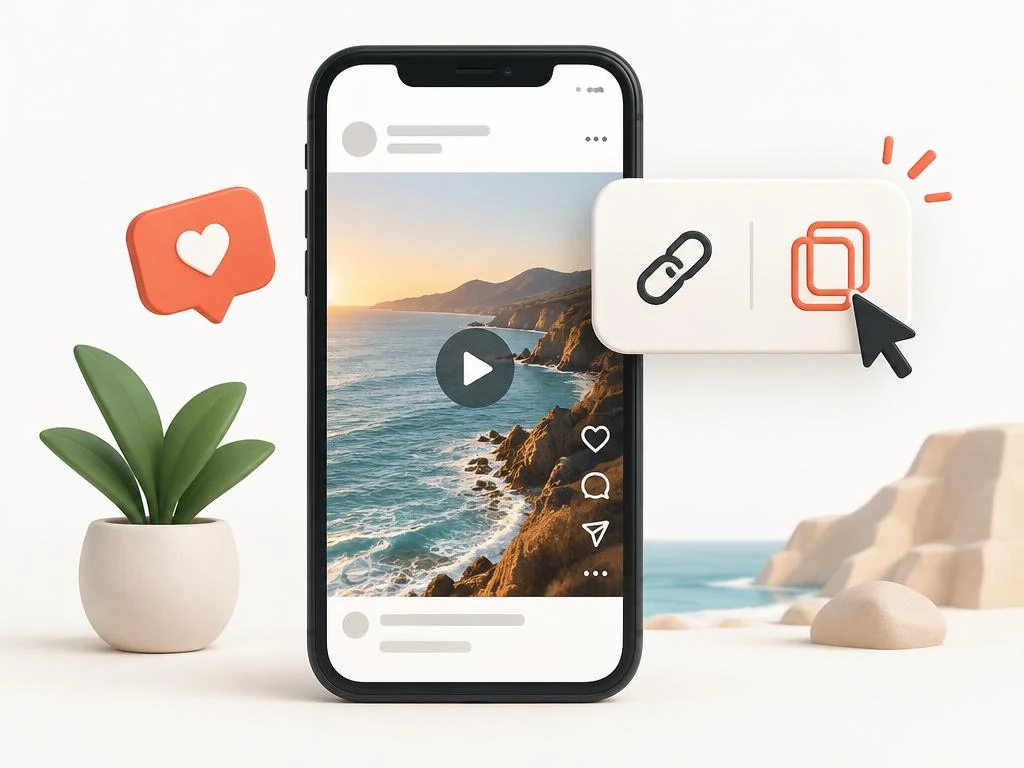 1
1Copy Link
Open the reel or video, tap the three-dot menu, and press Copy Link.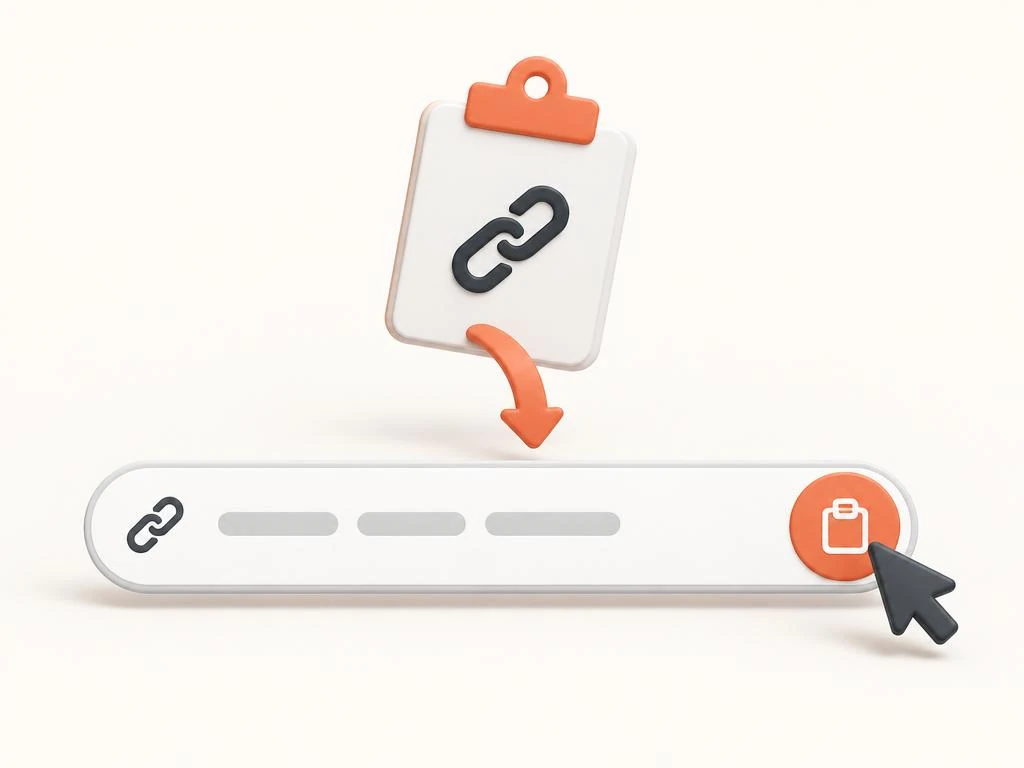 2
2Paste URL
Paste the link into the box above or tap the Paste button.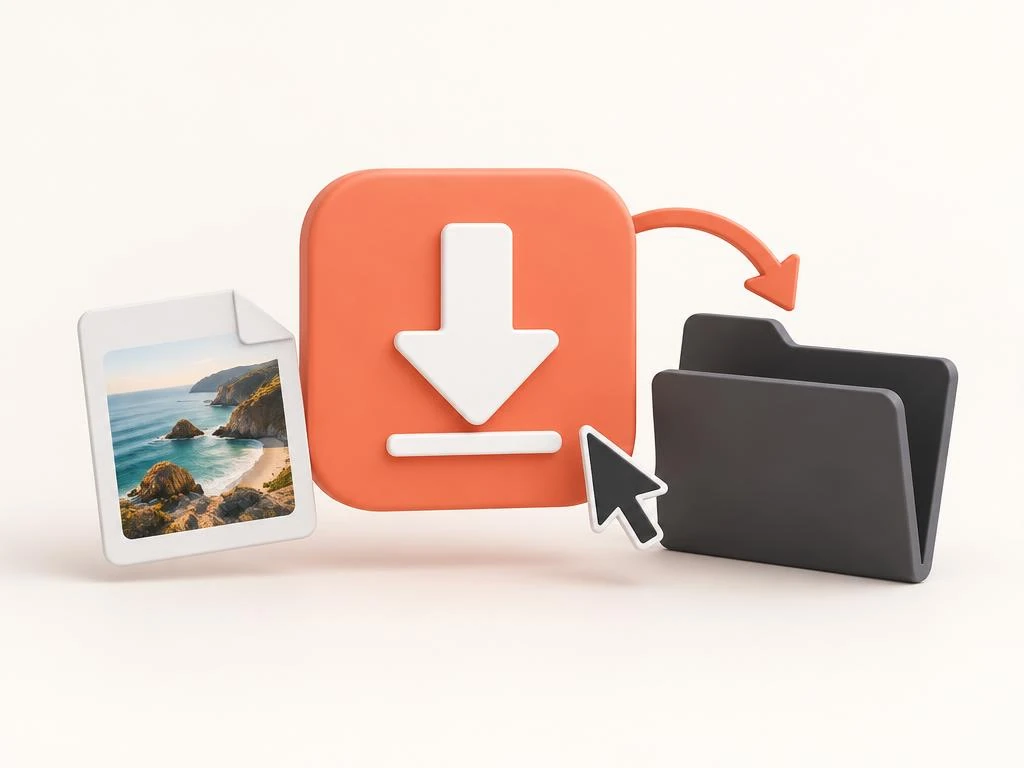 3
3Save MP3
Press Download, choose Convert MP3, wait for preparation, then select Save file.
How This Instagram MP3 Downloader and Audio Extractor Handles Links
This Instagram to MP3 downloader fetches the public video behind a link and separates its sound track. This audio extractor then re-encodes that track into a clean MP3 file you can play anywhere. People who download instagram videos for the music use this IG to MP3 tool or audio saver instead.
Save Instagram Audio on iPhone, Android, and PC With One Audio Saver
Copy the reel link from the Share menu, so this Instagram to MP3 audio extractor can work. Paste it into the Instagram audio downloader, and the tool pulls the sound straight from Instagram's server. Each MP3 download needs file preparation before saving, with no extension or Instagram account required.
What Makes This Instagram Audio Downloader Beat Any MP3 Converter App
Instagram Video Saver is the Instagram to MP3 audio downloader built around clean 320kbps sound quality. Every audio download stays a free MP3, with no daily cap, no account, and no ads. One audio saver page handles iPhone, Android, Windows, and Mac browsers with the same three steps.
320kbps Target
Re-encode available source audio; bitrate cannot restore missing detail.Local Conversion
Audio conversion happens in browser memory; source retrieval uses our server.Reels and Videos
Extract audio from reels, videos, and IGTV.No Watermark
Clean audio files with nothing added or cut.No Login, No App
Nothing to install and no account to create.Free Conversion
Up to 25 MB and five minutes per source video.
Reel Audio Download: Grab and Download Reel Audio From Public Reels
A reel audio download through this Instagram to MP3 tool saves the trending sound from a public reel. This Instagram audio downloader handles instagram reel audio download requests the same way as videos. Creators save reels audio to study hooks, and fans download reel audio to keep a favorite instagram song.
Read how to download Instagram audio for public-link conversion steps, device folders and source-quality checks.
MP3 Quality Explained: 320kbps Sound Quality From Every Instagram Video
Every instagram video to mp3 conversion on this Instagram to MP3 page targets 320kbps, the highest standard bitrate. A higher bitrate cannot restore frequencies or detail already missing from the available original sound source. An instagram mp3 converter re-encodes available audio; 320kbps labels alone cannot guarantee high quality from compressed sources.
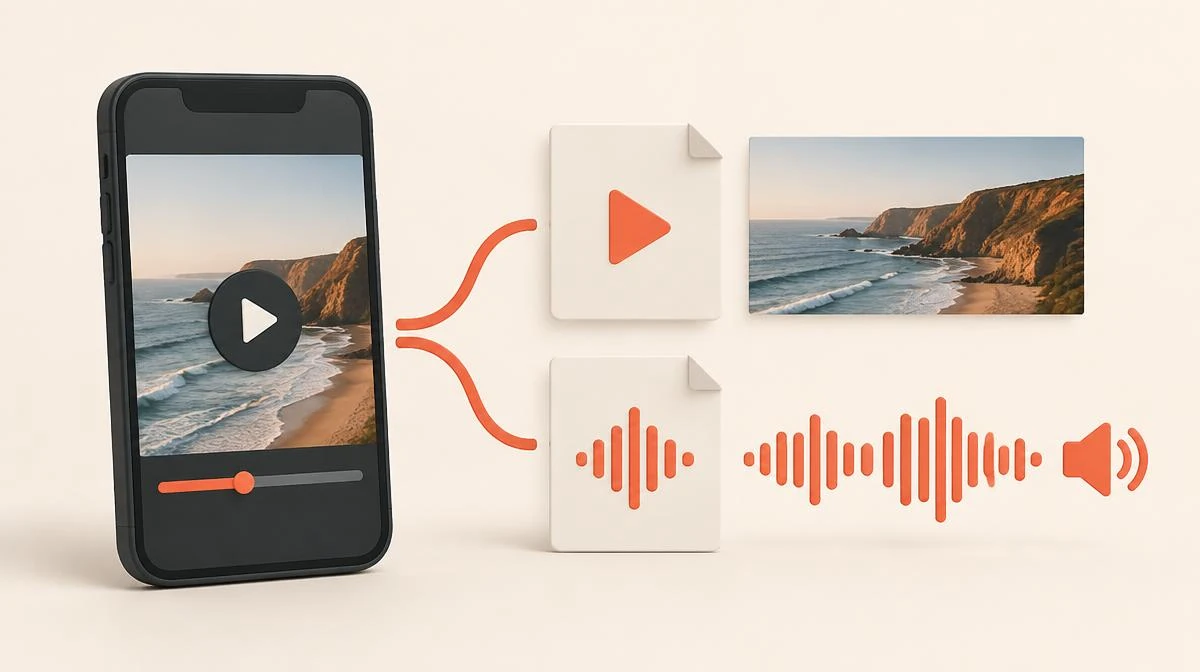
Choose MP3 or MP4: The Right Format for Each Instagram Audio Download
This Instagram to MP3 converter suits moments when you only need the sound, like music from instagram clips. Choose MP4 when the picture matters, and our video downloader pages handle that job instead. This instagram audio downloader uses HTTPS for source transfer, without promising any specific SSL cipher strength.
No Audio Extractor or MP3 Converter Can Reach a Private Instagram Account
No audio extractor or MP3 converter can pull sound from a private account, because Instagram blocks outside access. This Instagram to MP3 tool works only on public reels and videos that anyone can already play. If a sound matters, ask the creator to share it instead of trusting tools that promise private access.
Who Saves Audio Daily: IG to MP3 and Instagram Audio Downloader
Music fans use this Instagram to MP3 tool to save audio from live clips and studio snippets. Editors download instagram audio to reference trending sounds before cutting their own short reels. Students keep lecture snippets and language clips as MP3 files in the Files app for offline listening.
Find Every MP3 File: Where Your Instagram Audio Download Lands
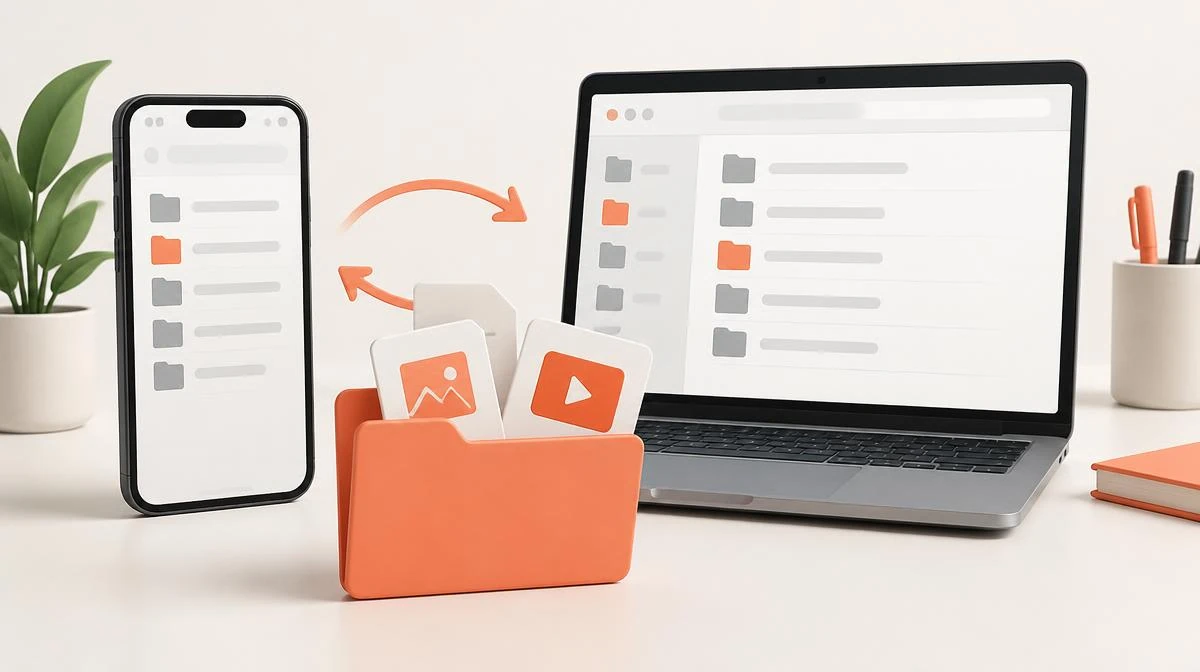
- Tap Download, choose Convert MP3, then select Save file when preparation finishes.
- Choose Save to Files from sharing options, or confirm Safari's download into the Files app.
- Open the file to play it, or share it into your music app of choice.
Conversion Specs: 320kbps, SSL, Free MP3 Download
| Output Format | MP3 audio, extracted from reels, videos, and IGTV |
|---|---|
| Audio Quality | 320kbps output target; source detail and quality can vary |
| Watermark | 100% Clean / No Watermark, nothing added |
| Account Requirement | Zero Registration / No Login Needed |
| Security | HTTPS source transfer; local browser conversion |
| Source Limits | 25 MB and five minutes; videos must contain supported audio |
| Cost | Free MP3 downloads |
Instagram MP3 Converter vs Screen Recording: The Sound Quality Gap
Our Instagram to MP3 converter re-encodes available audio toward 320kbps, without claiming better sound than the source. Many converter apps ask for your Instagram login, but this browser tool needs no install or account. You download instagram audio that creators post publicly, and you skip the ads most converter apps display.
| Method | Quality | Watermark | Install | Login |
|---|---|---|---|---|
| This tool | 320kbps MP3 | None | No install | No login |
| Screen recording | Low, with noise | None | Built in | No login |
| Browser extension | Varies | Sometimes | Install needed | Often asks |
| Mobile converter app | Often 128kbps | Often added | Install needed | Often asks |
Legal Side: Instagram Audio Extraction and MP3 Converter Use
Use this Instagram to MP3 tool only when your permission and applicable law allow extracting audio. People who extract audio from instagram video should ask the creator before reposting or reusing any saved sound. Every MP3 file stays for personal use, and the audio saver never touches private or deleted accounts.
Audio Download FAQ: Honest Answers About Every MP3 File
Start Free: Your First Instagram Video to MP3 Audio Download Today
Scroll up, paste a link, and convert instagram to mp3 through this Instagram audio downloader on any device. Supported conversions target free 320kbps MP3 files in your browser, without requiring an Instagram account login. Bookmark this page so your next instagram video to mp3 takes three taps instead of a screen recording.
Paste your Instagram link