Audio Guides
How to Download Instagram Audio as MP3
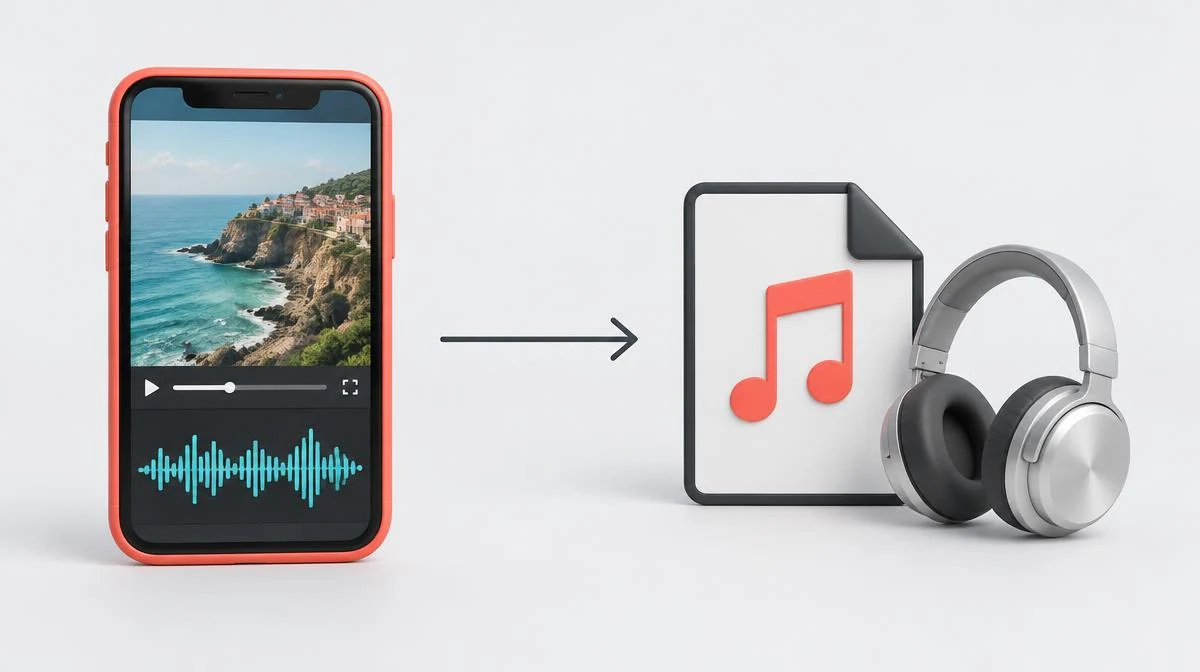
Here is how to download Instagram audio: copy a permitted public video link, convert its available soundtrack, then save the MP3. The file contains the clip's sound, not necessarily the full song.
Instagram's Save audio control bookmarks a sound inside the app; it does not export an MP3. Browser conversion needs an accessible video with an audio track.
Compare Save audio with an Instagram audio download
An Instagram audio download creates a file you can open outside Instagram. Save audio instead adds an app bookmark for later use.
Choose the bookmark when you want to reuse an available sound within Instagram. Choose a permitted file when you need offline listening.
The distinction explains how to download Instagram audio without confusing a saved sound with a downloaded song. Native menus vary by account and app version.
If available in your app, tap the Reel's sound title, then choose Save audio on its audio page or menu. Labels vary.
| Method | What you keep | Important limit |
|---|---|---|
| Instagram Save audio | An in-app sound bookmark | No exported MP3 file |
| Public-video audio conversion | The available clip soundtrack as MP3 | Accessible audio source and permission required |
| Creator-provided audio file | The file the creator shares | Ask about the recording and music rights |
| Screen recording | A recording that may include video or device sounds | Capture support and sound quality vary |
Follow three steps for an Instagram Reel audio download
Start an Instagram Reel audio download with the Reel's share link. A sound-page address identifies a catalog entry, not this converter's video source.
The Instagram to MP3 converter retrieves the available public video through our server, then converts its audio in your browser.
These steps show how to download Instagram audio without entering an Instagram password. Public visibility alone does not guarantee source retrieval.
- Copy link: open the permitted Reel or video and choose Copy Link from its sharing menu. On desktop, copy its post URL.
- Prepare audio: open the converter, paste the URL and select Download. Choose Convert MP3 on the available video result.
- Save the file: wait for File ready, then select Save file. Open the saved MP3 and check its duration and sound.
Find MP3 downloads on iPhone, Android and desktop
On iPhone, Safari may save a download in Files or offer sharing options. Select Save to Files when that option appears.
Android browsers usually use a Downloads folder, although browser settings can change the destination. Check the browser's download list first.
Desktop browsers use their configured Downloads folder or ask where to save. MP3 files do not automatically join your music library.
Keep the conversion tab open on your phone until preparation finishes. Saving still requires your final click.
| Device | Where to check | If the file seems missing |
|---|---|---|
| iPhone / Safari | Files, the selected download location or share destination | Check Safari downloads and the folder chosen in Save to Files |
| Android / Chrome | Browser download list and Downloads in the file manager | Search for the .mp3 filename rather than only checking Gallery |
| Windows / Mac | Browser downloads and the configured destination folder | Confirm the final Save file action and any browser prompt |
Understand MP3 quality, 320kbps and conversion limits
MP3 quality starts with the available soundtrack. Encoding compressed source audio at 320kbps does not recreate the recording's missing detail.
Re-encoding to MP3 uses lossy compression and can introduce further loss. Keep an authorized source video if you need its existing audio encoding.
For an authorized video already on your device, import it into an audio editor and choose its audio-only export option.
An editor supporting direct extraction can retain compatible source audio, such as AAC. Exporting MP3 instead transcodes it; this site does not accept uploads.
This converter targets 320kbps output and accepts videos up to 25 MB and five minutes. The byte limit equals 25,000,000 bytes.
A 60-second file at 320 kilobits per second has roughly 2.4 MB of audio data, before metadata overhead. Actual size can differ.
Compare sound at equal playback volume when checking the converted file. File size alone cannot establish sound quality.
Separate original audio from a full Instagram song
Original audio may include speech, background music and ambient noise together. Extracting that soundtrack does not isolate vocals or individual instruments.
A Reel can contain only a short section of an Instagram song. Converting its video preserves that available section, not the full track.
For the complete recording, use the artist's authorized release or ask the rights holder. A trending-audio title does not establish download permission.
Keep video when the picture matters: the Instagram Reels downloader retrieves an available public MP4 rather than an audio-only file.
Diagnose silent audio and failed MP3 conversion
First play the source Reel with sound enabled. A missing audio track cannot produce an audible MP3, regardless of conversion settings.
For Instagram video no sound after saving, compare source playback and the retrieved MP4 before changing audio settings.
A private, removed or unavailable post may fail during retrieval. Use a current public post URL rather than retrying profile or catalog links.
Browser conversion needs audio-processing and worker support. A separately loaded decoder can handle some unsupported audio formats, but cannot supply missing browser capabilities.
For an over-limit source, try a video-saving workflow only if the MP4 remains available. Retrieval has its own limits; this is not a bypass.
Check the stage that failed: unavailable post, source retrieval, conversion or final saving. A prepared file still needs Save file and a confirmed destination.
Check audio permissions and public-link privacy
Knowing how to download Instagram audio does not grant permission to publish somebody else's music. Public access and copyright ownership differ.
Ask the recording's rights holder before reuse outside permitted exceptions. Instagram music-library availability does not automatically license an exported MP3 elsewhere.
This workflow asks for a public post link, not Instagram credentials. Source retrieval uses our server; conversion runs in browser memory.
Private posts, Stories, Highlights and anonymous profile viewing remain outside this public-video conversion workflow. Do not share passwords to bypass those limits.
Answer Instagram audio download and MP3 questions
How to download Instagram audio as an MP3 file?
Copy a permitted public video link, prepare its soundtrack in the converter, then select Save file. The result depends on an accessible source containing audio.
Does Save audio create an Instagram audio download?
No, Save audio bookmarks a sound inside Instagram rather than exporting an MP3. Use a permitted file-conversion workflow when you need a separate audio file.
Can I use an audio-page URL for an Instagram Reel audio download?
This converter needs the public Reel or video post URL, not its audio-catalog page. Copy the link from the post's sharing menu.
How do MP3 downloads work on iPhone or Android?
Prepare the file in the browser and select Save file when conversion finishes. Check Files, browser downloads or the destination selected in the sharing prompt.
Does 320kbps guarantee original MP3 quality?
No, 320kbps is the encoding target, not a guarantee of studio-quality source sound. Conversion cannot recover detail missing from the available soundtrack.
Why does an Instagram song download contain only a short clip?
The converter extracts the soundtrack present in the public video. It cannot turn a short Reel excerpt into the complete song.
Why does silent audio fail MP3 conversion?
A source without an audio track provides nothing to convert. If the source plays sound, compare the retrieved video and check browser support.
What are the Instagram audio download size and duration limits?
This site's converter accepts source videos up to 25,000,000 bytes and 300 seconds. An MP4 alternative still depends on source availability and separate retrieval limits.
Can I download original audio from private posts or Stories?
This public-video workflow does not retrieve private posts, Stories or Highlights. Ask the creator for an authorized file rather than sharing Instagram credentials.