Troubleshooting & Safety
Instagram Video No Sound? Find the Cause
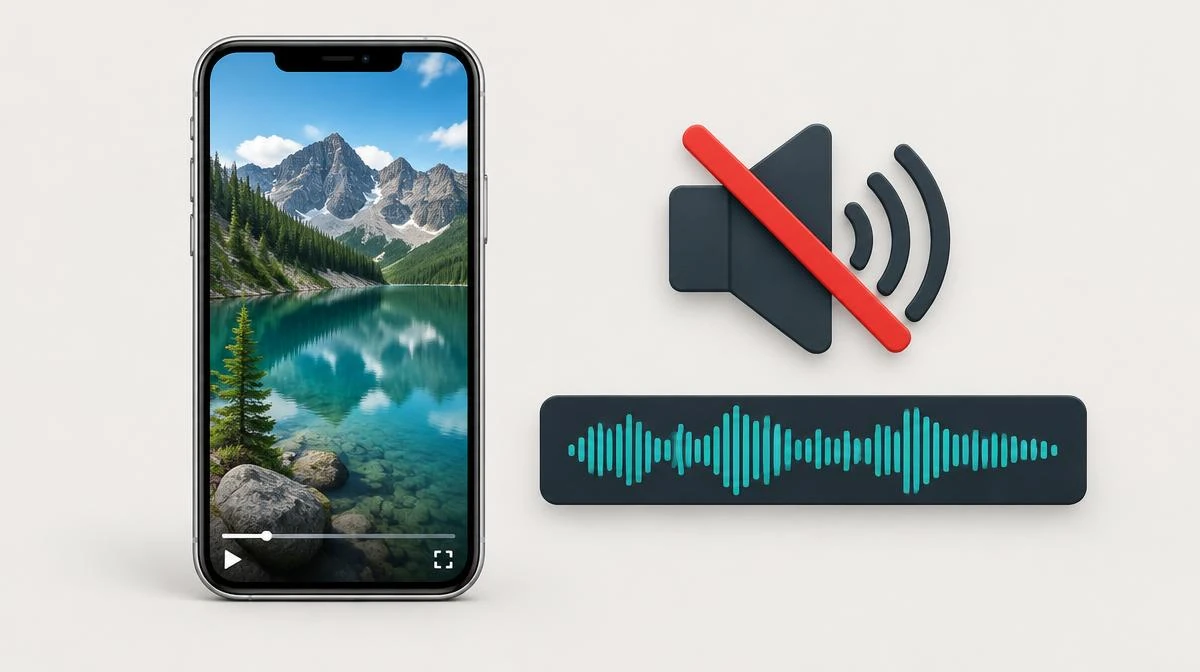
For Instagram video no sound, compare the original post with your saved file before choosing a fix. Check media volume, output routing, and whether the MP4 contains an audio track.
Playback trouble, missing audio, and licensed-music restrictions require different answers. This guide separates those causes without promising recovery of unavailable music.
Check no sound before blaming the downloaded video
Start an Instagram video no sound check by playing the original post and the saved MP4 separately. Raise media volume and disconnect Bluetooth headphones. Tap the player speaker icon rather than changing only ringtone volume.
Compare the same 10-second segment in 2 players. If Instagram plays sound but your saved file stays silent, focus on that file. If both copies lack sound, investigate the source or music availability.
| Symptom | Check | Next action |
|---|---|---|
| App and file both silent | Media volume and original post | Test another video before changing anything |
| Only saved MP4 silent | Audio track in a second player | Inspect the file or obtain another authorized copy |
| Only one player silent | Codec and player settings | Try a current player with AAC support |
| Music unavailable message | Original post and licensing notice | Ask the creator for an authorized alternative |
Restore muted video playback on iPhone and Android
A muted video does not necessarily lack an audio track. Check the volume slider while the clip plays. Bluetooth routing can send sound to another device even when your phone speaker appears silent.
For iPhone no sound, open Control Center and check the output destination. For Android no sound, adjust media volume rather than call volume. On PC, check the browser tab mute state and the system volume mixer.
Inspect missing audio in an MP4 file
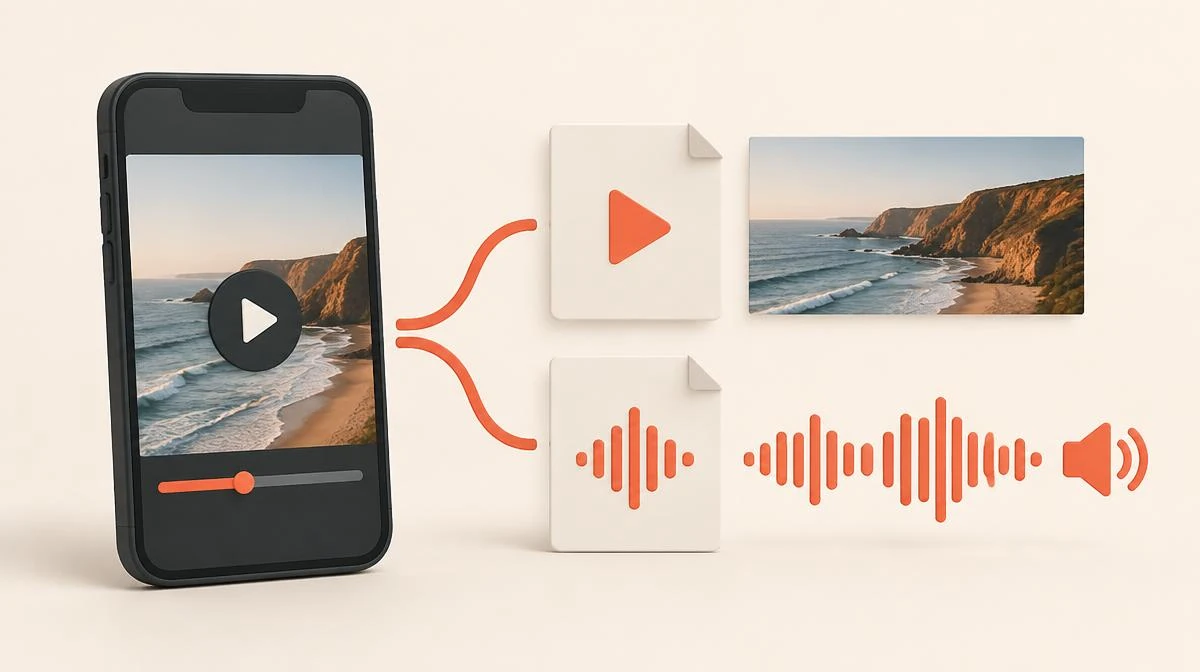
An Instagram video no sound problem can start when a saving method captures video without its accompanying audio. MP4 names a container, not a guarantee that sound exists. Renaming an extension cannot create a missing audio track.
Open the file in VLC and inspect Codec Information for an audio stream. A listed AAC track points toward playback or decoding trouble. No audio stream means another player cannot recover sound that the file never contained.
Some delivery methods handle video and audio as separate streams before combining them. Saving only the video stream can cause Instagram video no sound after downloading. Check the resulting file rather than assuming every delivery method uses identical packaging.
Partial sound that stops midway differs from a file with no audio stream. Compare the same timestamp with the source. If only your saved copy cuts out, check for an interrupted transfer before replacing it.
Recognize music unavailable and copyright restrictions
A music unavailable notice indicates a source-side problem rather than a broken volume button. Instagram can restrict tracks after licensing changes or in certain locations. Older saved links may therefore play differently from their original publication.
Check whether the creator still hears the soundtrack. Do not treat a VPN or another downloader as a guaranteed licensing workaround. Ask for a version containing original audio or music the creator may legally share.
Avoid silent screen recording and microphone confusion
Silent screen recording can reflect capture restrictions, routing, or the app playing the clip. Turning on the microphone records surrounding sound; it does not guarantee internal media audio. Test a short clip before recording anything important.
For a permitted public clip, the Instagram Reels downloader page explains link-based saving. Our site retrieves accessible public MP4 files and requires a separate save action. Compare any downloaded MP4 with the original before deleting your backup.
Recover original audio without inventing a soundtrack
When diagnosing Instagram video no sound after saving, use your original local recording whenever you own the content. Keep that recording separate from the published copy. For an accessible video post, compare the Instagram video downloader workflow before requesting another authorized copy. Another download cannot recreate audio that the creator removed before uploading.
Read the how to download Instagram videos guide for device save locations. If you only need sound, the Instagram to MP3 converter page describes extraction. Extraction still requires an existing audio track; MP3 conversion cannot repair silence.
Instagram video no sound questions
Why does my Instagram video have no sound?
Check playback volume, Bluetooth routing, and the original post first. If only the saved file lacks sound, inspect its audio track.
Can an MP4 file contain video but no audio?
Yes, an MP4 file can contain only a video stream. A different extension or louder speaker cannot add a missing soundtrack.
Why does music unavailable appear on an old post?
Music unavailable can follow licensing changes or location restrictions. Check the source notice and ask the creator about an authorized alternative.
How do I fix iPhone no sound in a saved clip?
Check media volume and the audio output device, then try another player. Inspect the file if other videos play normally.
Does silent screen recording mean I need the microphone?
Not necessarily; the microphone captures ambient sound rather than reliably restoring internal media. Test a short recording and compare the original playback.
Can original audio return after copyright muting?
Only an available authorized source can supply the original audio. A saving tool cannot reverse a platform licensing restriction.
Will an Instagram to MP3 converter repair missing audio?
No, an Instagram to MP3 converter extracts audio that already exists. It cannot create a track inside a silent source file.
What is the safest Instagram video no sound fix?
Compare the source and file before installing anything. Prefer your own recording or an authorized replacement over unknown repair apps.
Why does missing audio affect only the end of my saved video?
Compare that timestamp with the source to distinguish a source edit from an interrupted transfer. Check the saved file before retrying.
Can separate streams cause Instagram video no sound after saving?
Yes, a saving method can capture video while missing a separate audio stream. Inspect the final MP4 rather than assuming sound exists.