Video Guides
How to Download Instagram Videos (2026 Guide)
This guide shows you how to download Instagram videos the clean way, because the obvious routes all disappoint. Some public Reels offer a native Download option; other post types may not. Screen recording re-encodes the file and catches notification sounds, and most downloader apps ask for a login you should never share.
To learn how to download Instagram videos, check the post type and any native Download option before choosing a saving method. Browser tools may save an available MP4, but quality and audio depend on the source. This site retrieves accessible public MP4 files for permitted saving.
Download Instagram videos in three steps
Before choosing a service to download Instagram videos free, check the native option for eligible public Reels. A copy-paste method depends on an available authorized service. This free Instagram downloader works identically on every device, with no login and no watermark. You need only the link to the post and a browser. No app install, no account, no settings to change.
- Open the video in Instagram and tap the three-dot menu, then choose Copy Link. On desktop, copy the URL from the address bar instead.
- Open the Instagram video downloader and paste a permitted public post link into the input box. Instagram Video Saver retrieves accessible source files.
- Tap Download, wait a moment for the file to be prepared, then save the MP4 to your device.
Saving videos on iPhone through Safari
To download Instagram videos on iPhone, Safari is the smoothest path thanks to its built-in download manager since iOS 13. Copy the video link in the Instagram app, paste it into the downloader in Safari, and tap Download. The file lands in the Downloads folder inside the Files app.
Moving the video into your camera roll takes one more step. Open it in Files, tap the share icon, and choose Save Video. Chrome on iPhone works too, but it routes every download through the same Files app, so Safari saves you one step.
Grabbing videos on Android with Chrome
To download Instagram videos on Android, use Chrome or another modern browser. Check the saved MP4 before moving it into your gallery. Copy the link from the Instagram app, paste it into the downloader, and tap Download. The MP4 appears in your Downloads folder and usually shows up in Google Photos or your gallery within a moment. Every save video from Instagram request ends there.
If the video opens in a new tab instead of saving, long-press it and choose Download video. That behavior depends on the browser, not on the downloader, and the file you get is identical either way.
PC and Mac: download Instagram videos on desktop
Desktop is the easiest case of all, because copying the link needs no menu. Anyone asking how to download Instagram videos on computer starts here. Open the video on instagram.com, copy the URL straight from the address bar, and paste it into the downloader. The MP4 saves to your default Downloads folder like any other file.
This route is also the best for batch saving when you download videos from Instagram regularly. Keep the downloader open in one tab, copy links from Instagram in another, and paste them one after another. Each download is independent, so a slow connection on one file never blocks the next.
Comparing every way to save Instagram videos
When choosing how to download Instagram videos in 2026, compare native controls, link-based services, and their access requirements. No-login services can still expose you to tracking or unsafe files. Read is Instagram downloader safe before trusting password requests, installers, or unsupported privacy claims.
| Method | Quality | Watermark | Login needed | Verdict |
|---|---|---|---|---|
| Native public Reel download | Source-dependent | Instagram branding | Instagram access | Check creator controls |
| Link-based downloader | Available MP4 | Source-dependent | No credentials to share | Verify service access |
| Instagram Save button | No file at all | N/A | Yes | Only a bookmark |
| Screen recording | Re-encoded, lower | Interface visible | Yes | Last resort |
| Modded apps | Varies | Sometimes | Yes, risky | Avoid |
| Browser extensions | Often capped at 720p | Sometimes | No | Unreliable |
Instagram video download HD quality and MP4 format
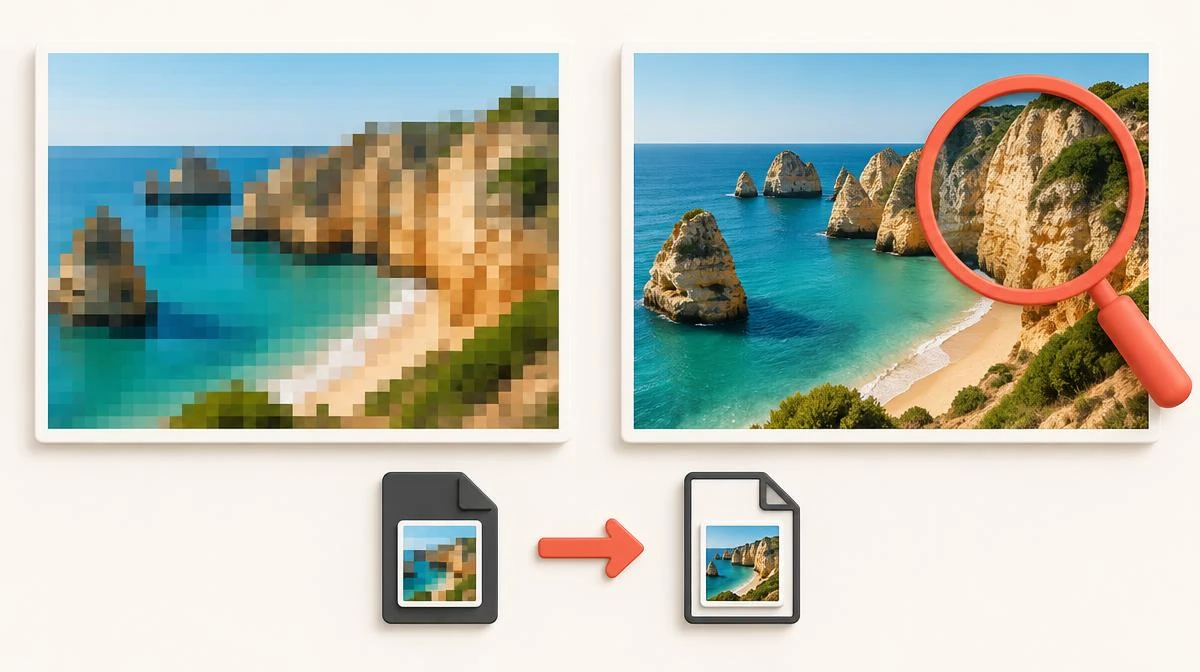
An Instagram to MP4 workflow saves an available video rendition in a widely supported container. When you download Instagram video MP4 files, inspect resolution and audio streams rather than trusting a filename. A 1080p label does not prove an uncompressed camera original. Compare the source when researching how to download Instagram videos in HD.
The saved file plays in every standard player on phone and desktop. If you only need the sound from a video, download the MP4 first. Then pull the audio out with our Instagram to MP3 converter. People who download IG video files for music use this two-step route every day. That gives you a clean audio file without re-recording anything. That two-step flow completes how to download Instagram videos for both picture and sound. For Reel-specific controls and native downloads, read how to download Instagram Reels rather than assuming all video posts behave alike.
Fixing a failed or silent Instagram video download
When troubleshooting how to download Instagram videos, distinguish source access, incomplete links, and browser transfer errors. Open the post in a logged-out browser tab to check public access. A truncated copied link cannot restore private or deleted content. If you can’t download Instagram Reels specifically, check creator download settings and request limits in the troubleshooting guide.
A silent file can reflect muted playback, a missing audio stream, recording limits, or source restrictions. Compare source playback before assuming another download restores sound. If the file will not play, check whether the transfer completed. The Instagram video no sound guide separates missing tracks from muted playback.
Safe Instagram downloader habits and creator rights
One rule protects everyone learning how to download Instagram videos from scams. Never type your Instagram password into a downloader. The is Instagram downloader safe checklist explains credential, file, and privacy checks. Public-link saving should not require your password. Any site or app that asks for your login is after your account, and no video is worth that trade.
On the legal side of how to download Instagram videos, public visibility does not grant copying or reuse rights. Check permission, platform terms, applicable law, and music licensing. Attribution alone does not replace permission; this is general information, not legal advice.
Your Instagram video download questions answered
How do I download Instagram videos to my phone?
Copy the video link from the three-dot menu in the Instagram app. Paste it into a link-based downloader in your browser and tap Download. The MP4 saves to your Downloads folder on Android or the Files app on iPhone.
Can I download Instagram videos without an app?
Yes. A browser-based downloader needs no installation at all. Safari on iPhone, Chrome on Android, and any desktop browser all handle the full process from link to saved file.
How do I download Instagram videos on PC?
Open the video on instagram.com, copy the URL from the address bar, and paste it into the downloader. The MP4 saves to your default Downloads folder like any other file.
Why is there no Instagram video download button?
Eligible public Reels can offer a native Download control, while other video posts may not. Check creator settings and the share menu.
Can I download an Instagram video from a private account?
No, and you should not try. Private content is protected by design, and any tool claiming to fetch it is either lying or stealing login sessions. Stick to public posts.
How do I download Instagram videos without watermark marks?
Use an authorized source that does not add a new watermark. A source may already contain branding; a downloader cannot guarantee its absence.
Why does my Instagram video download have no sound?
Silent files come from screen recording with muted media audio, or from a source post that had no sound. Inspect the available MP4 audio stream before retrying. Another download cannot restore music missing from the source.
What quality can I get when I download Instagram videos?
Quality depends on the available rendition; 1080p is common but not a guarantee. Check file dimensions rather than trusting HD or 4K labels.
Is it legal to download Instagram videos?
Public visibility does not grant copying or reuse rights. Permission, licensing, platform terms, and local exceptions matter; attribution alone is not a license.
How do I download Instagram videos I posted myself?
Instagram lets you download your own uploads through your profile's archive and settings. For a quick single save, the same link method works on your own public posts too.