Troubleshooting & Safety
Can't Download Instagram Reels? Causes and Fixes
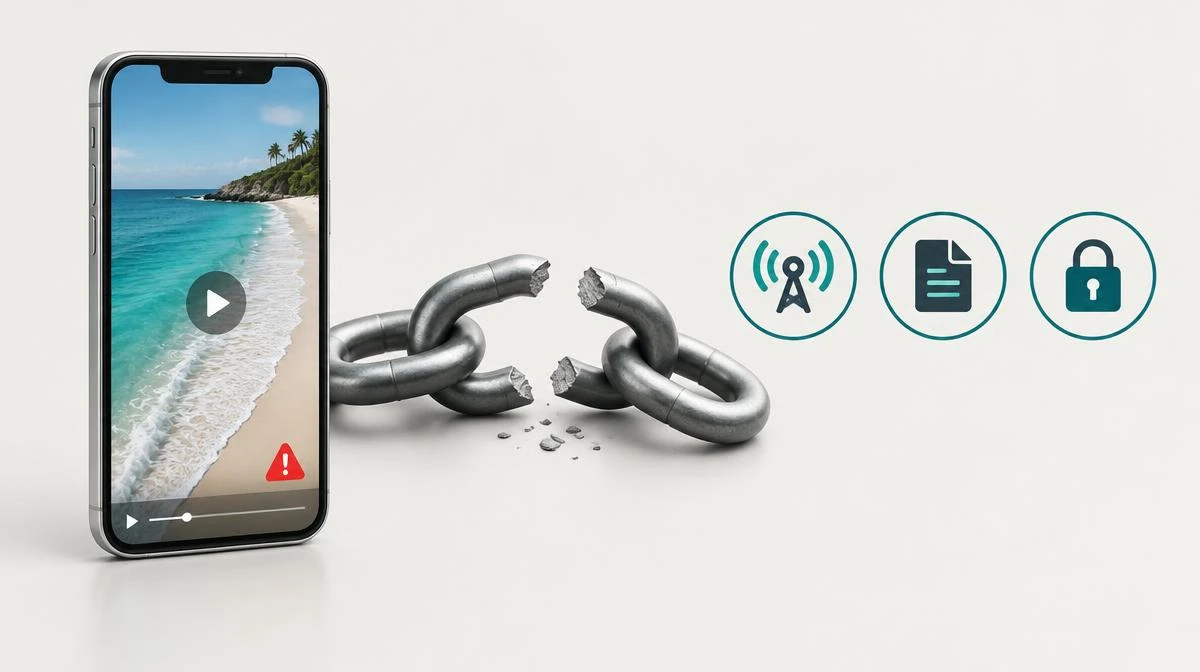
If you can't download Instagram Reels, check the original post, the native Download option, and the browser error in that order. Separate access restrictions from transfer failures before retrying.
This page addresses failed saves and missing controls, not every general Reel download method. It respects private-account limits and separates valid links, file preparation and completed browser transfers.
Separate a missing download button from a failed file save
If you can't download Instagram Reels, first identify the point where saving stops. A missing button differs from an error after a file starts downloading. Check whether Instagram still opens the Reel before investigating your browser.
Test 2 public Reels from different creators. One failure suggests a post-specific limit; repeated failures suggest a broader app or saving problem. Keep the original link and note the exact error instead of repeatedly pressing Download.
| Symptom | Check | Next action |
|---|---|---|
| No Download option | Creator settings and account visibility | Use an authorized alternative where available |
| Reel unavailable | Original post and copied link | Request a current accessible link |
| Browser stops saving | Storage and browser Downloads list | Free space and retry once |
| Tool accepts link but produces no file | Service status and file preparation | Do not mistake validation for a real download |
Check creator settings and native Reel download availability
Creator settings can disable Instagram native downloads. Public visibility does not automatically mean the Download option exists for every Reel. Private accounts do not offer the same public download route.
App version, rollout differences, and account eligibility can also change available controls. Update Instagram through your device store and inspect the share menu again. Do not assume another website can legally override every creator restriction.
Replace a stale link and recognize deleted Reels
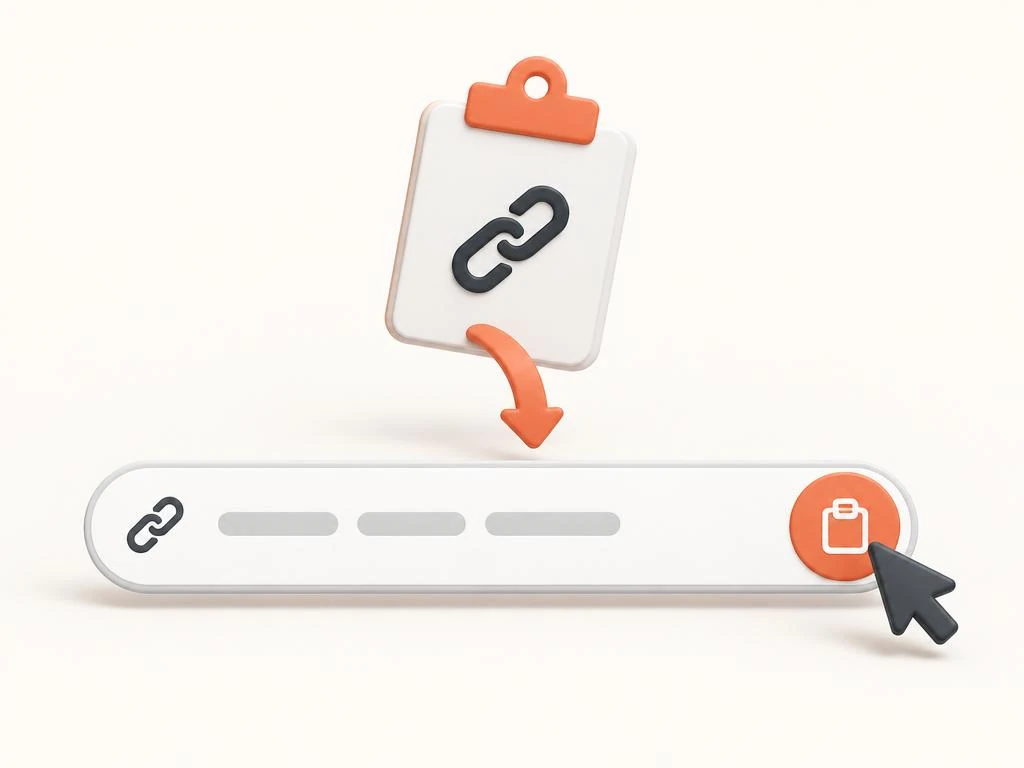
When you can't download Instagram Reels from an old message, open the link in Instagram first. A stale link, deleted Reel, or visibility change can block access. Copy a fresh link from the current post when it remains available.
The Instagram Reels downloader page describes the link workflow for public content. Our site retrieves accessible public MP4 files before offering a separate save action. A successful validation message therefore does not confirm that a file exists.
A profile URL is not a link to an individual Reel. Copy the post link and confirm its /reel/ path opens the intended clip. Ordinary sharing parameters do not themselves prove that the link is broken.
Respect private accounts and account-specific access
Private accounts require access through Instagram and do not become public through a copied URL. Avoid services that request session cookies or passwords to overcome that boundary. A private Reel owner can share an authorized local copy instead.
For a Reel you created, check your local project and camera roll backups first. Use official account export options when appropriate, but inspect what the export actually includes. No method guarantees restoration of deleted content or unavailable licensed music.
Age or region restrictions can explain why you can't download Instagram Reels that another account can open. Compare source access before blaming storage. Do not share credentials or treat a VPN as a guaranteed access workaround.
Resolve browser download errors and low storage
If you can't download Instagram Reels after the transfer starts, inspect free storage and the browser Downloads list. A blocked prompt differs from a corrupt source file. Retry 1 small permitted file to isolate the issue.
On iPhone, check Safari downloads and Files; on Android, check Chrome downloads and device storage. PC browsers list failed transfers with an error reason. Do not clear all app data before preserving drafts and confirming the cause.
A too many requests message can indicate a temporary request limit at the platform or saving service. Stop repeated attempts and follow any retry guidance. An HTTP 429 response is not evidence that your phone lacks storage.
If you can't download Instagram Reels because Chrome reports Network failed, check whether another trusted page loads on the same connection. A connection failure differs from low storage or a missing Download option. Try a stable permitted connection before retrying the transfer.
Resume an interrupted download from the browser Downloads list when that option exists. If only the saving service fails, check its status instead of resetting Instagram. Keep browser protection enabled; a blocked unsafe file needs a different response from a dropped connection.
Completed transfers may sit in Files rather than Photos on iPhone. Open Safari's Downloads list to locate the actual destination. On Android, check Chrome Downloads and your file manager before downloading a second copy.
Choose an authorized save and diagnose missing audio
The how to download Instagram Reels guide covers saving methods and device destinations. Keep this page for troubleshooting rather than replacing a complete how-to. Both guides distinguish an accessible post from permission to reuse its content. Before trying an unfamiliar replacement service, check is Instagram downloader safe for password requests and suspicious file types.
If the file saves but stays silent, continue with the Instagram video no sound guide. Missing audio is a separate output problem, not proof of a failed download. A replacement file still cannot restore music that the source no longer supplies.
Troubleshooting questions when you can’t download Instagram Reels
Why can't I download Instagram Reels?
Identify whether the Download option is missing or the file transfer fails. Creator settings, access limits, stale links, and storage require different checks.
What causes a missing download button?
A missing download button can reflect creator settings or feature availability. Check public visibility and the current app share menu first.
Can creator settings disable native downloads?
Yes, creator settings can limit native downloads on eligible public Reels. Public access alone does not guarantee an available download control.
Can I download from private accounts with a copied URL?
A copied URL does not remove the access boundary around private accounts. Ask the owner for an authorized copy rather than sharing account credentials.
Will a stale link work after a Reel disappears?
A stale link cannot guarantee access to a deleted or newly restricted Reel. Open the source first and request a current accessible link.
How do I fix browser download errors on iPhone?
Check Safari Downloads, Files, free storage, and any blocked save prompt. Test a small authorized file before changing broader settings.
Does missing audio mean the whole download failed?
Not necessarily; a file can contain video without a usable audio stream. Compare source playback and inspect the saved file separately.
How do I fix browser download errors saying Network failed?
Check the connection with another trusted page, then resume or retry on a stable network. Keep security protection enabled and investigate service-specific failures separately.
Can browser download errors include a too many requests message?
Yes, the platform or saving service can temporarily limit requests. Stop repeated retries and follow any stated guidance before testing again.
Can account-specific access explain age or region restrictions?
Yes, content can open for one eligible account but remain unavailable to another. Check source access rather than assuming a storage problem.