Instagram to MP4: Convert Public Videos to Universal MP4 Files
- No login or sign-up
- No watermark added
- Available source quality
Paste any public video link into our Instagram to MP4 converter and press the Download button. Keep available source quality up to 1080p Full HD in the universal MP4 format without waiting. Files carry no added watermark, need no sign up, and work from public links only.
Convert Instagram to MP4 in 3 Steps With This MP4 Converter
How do you turn an Instagram video into an MP4 file? Follow these three steps. 1
1Copy Link
Open the video or reel, tap the three-dot menu, and press Copy Link. 2
2Paste URL
Paste the link into the box above or tap the Paste button. 3
3Save MP4
Press Download, wait for preparation, then select Save file.
How This Instagram MP4 Converter Keeps the Original MP4 Format
This Instagram to MP4 converter fetches the public video behind a link and prepares its file. The tool keeps the available MP4 format stream instead of re-encoding or compressing your video. People who convert Instagram video to MP4 get a file that plays on any device.
Save Instagram Video as MP4: HD MP4 on iPhone, Android, PC
Copy the video link from the Share menu, so this Instagram to MP4 tool can start. Paste it into the converter, and this ig to mp4 flow pulls video over HTTPS from Instagram's server. This instagram video converter needs no browser extension or Instagram account to work at all.
What Makes This Instagram MP4 Downloader Beat Any MP4 Converter App
Instagram Video Saver is the Instagram to MP4 converter built around honest 1080p Full HD source quality. Every video download stays a free MP4 with no watermark, no daily cap, and no ads. One instagram mp4 downloader page handles iPhone, Android, Windows, and Mac browsers alike every time.
1080p Full HD
Available source quality as an HD MP4; resolution cannot exceed the original upload.Universal MP4
H.264 MP4 files play on phones, TVs, editors, and browsers.Reels and Videos
Convert reels, ig video to mp4, and IGTV clips from public posts.No Watermark
Anyone needing instagram to mp4 without watermark gets a clean file.No Login, No App
Nothing to install and no account to create.Free Conversion
Public links within platform availability limits.
Reels to MP4 and IG Video to MP4: One Flow for Public Clips
An instagram reel to mp4 conversion uses the same flow: paste the link and press Download. This instagram mp4 converter handles reels to mp4 requests the same way as regular videos. Creators save clips through this Instagram to MP4 flow as MP4 format reference files.
1080p Full HD Explained: HD MP4 Quality From Available Sources
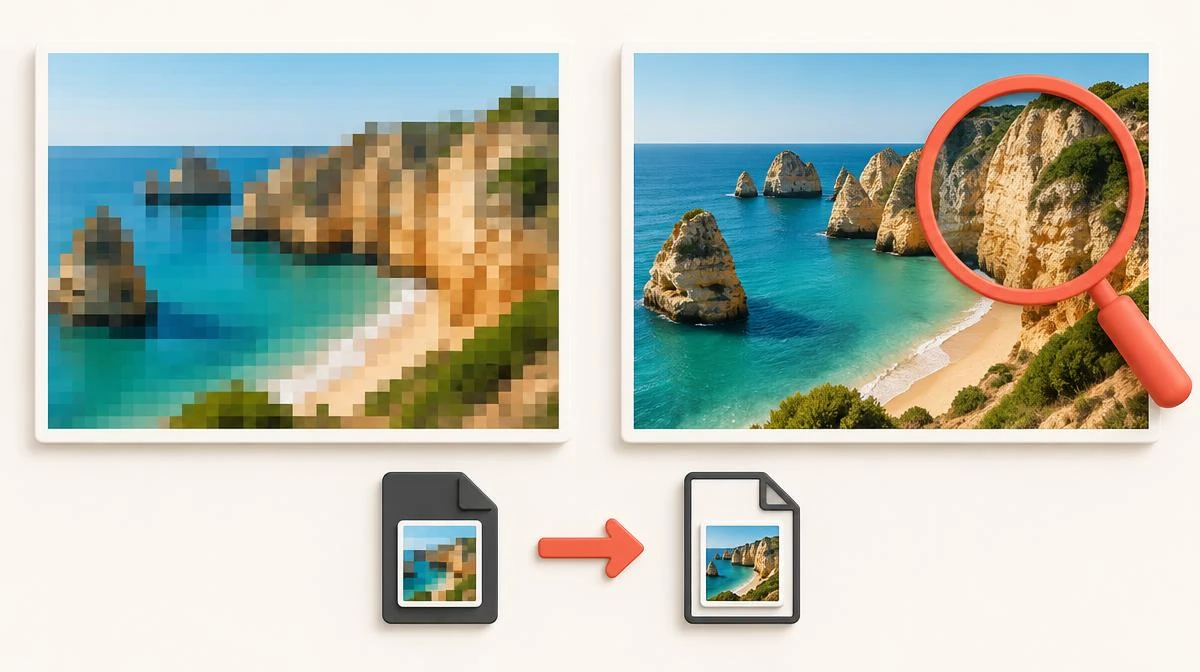
Every instagram video to mp4 conversion keeps the best available source, up to 1080p Full HD. No instagram video to mp4 converter can add detail the creator never uploaded to Instagram. Searches for instagram to mp4 1080p mean the same source-quality promise on this page.
For device folders and quality checks, read how to download Instagram videos before saving your first MP4.
Choose MP4 Format or MP3: Which Instagram MP4 Download Fits You
Choose the MP4 format when the picture matters, like tutorials, recipes, and workout clips offline. An instagram video to mp4 converter keeps picture and sound together in one file. This instagram to mp4 page focuses on video files; the audio tool extracts sound separately.
No MP4 Converter Can Reach a Private Account on Instagram
No converter can pull video from a private account, because Instagram blocks outside access. This Instagram to MP4 tool works only on public videos that anyone can already play. If a clip matters, ask the creator; no instagram mp4 downloader can fetch private posts.
Why MP4 Format With H.264 Plays Everywhere: Playback Fixes
Every Instagram to MP4 file works in browsers, phones, TVs, and editing apps today. The H.264 codec inside plays everywhere, so an instagram mp4 download rarely fails to open. After you download instagram mp4 files, they appear in the Files app or Downloads folder.
Who Uses IG to MP4 and Insta to MP4 Searches Daily
Commuters save clips through this instagram to mp4 free flow for offline viewing anywhere. Editors save instagram video as mp4 reference files before cutting their own short clips. People searching insta to mp4 online get the same simple flow on any device.
Find Each HD MP4: Where Your Instagram MP4 Download Lands
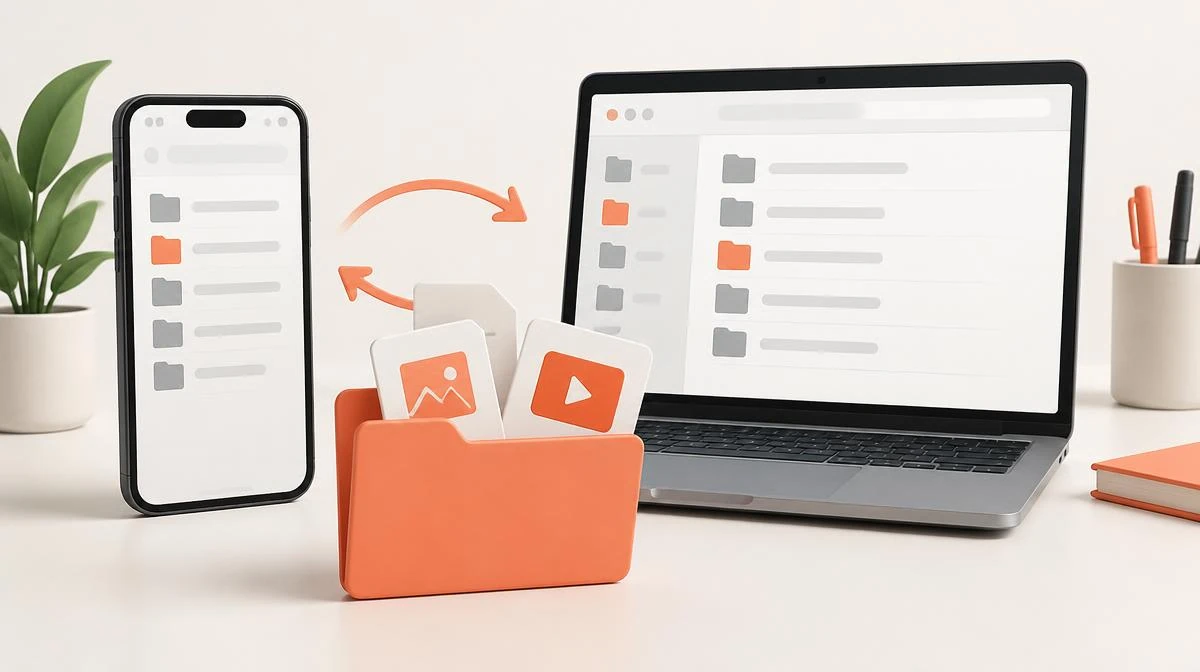
- Tap Download, then select Save file when preparation finishes.
- Choose Save to Files from sharing options, or confirm Safari's download into the Files app.
- Open the file to play it, or share it into your editor of choice.
Conversion Specs: 1080p Full HD, MP4 Format, Free Download
| Output Format | MP4 video from reels, videos, and IGTV |
|---|---|
| Video Quality | Up to 1080p Full HD; source quality can vary |
| Watermark | 100% Clean / No Watermark, nothing added |
| Account Requirement | Zero Registration / No Login Needed |
| Security | HTTPS source transfer |
| Cost | Free MP4 downloads |
Instagram to MP4 Converter vs Screen Recording With No Watermark
Our Instagram to MP4 converter keeps available source quality, without claiming better video than the original. Many instagram video converter apps ask for your login, but this tool needs no install. You save public videos with no watermark, and you skip the ads most converter apps display.
| Method | Quality | Watermark | Install | Login |
|---|---|---|---|---|
| This tool | Up to 1080p MP4 | None | No install | No login |
| Screen recording | Low, with interface | None | Built in | No login |
| Browser extension | Varies | Sometimes | Install needed | Often asks |
| Mobile converter app | Often compressed | Often added | Install needed | Often asks |
Legal Side: MP4 Format Saves and Private Account Limits
Use this Instagram to MP4 converter only when permission and law allow saving the video. People who save public clips as MP4 format files should ask creators before reposting. Every MP4 file stays for personal use, and the tool never touches private or deleted accounts.
MP4 Format FAQ: Honest HD MP4 Answers About Every File
Start Free: Convert Instagram Video to MP4 With HD MP4 Quality
Copy a public video link and paste it into this Instagram to MP4 converter above. Your first instagram mp4 download takes seconds, and every later one follows the same steps. No account, no install, and no watermark stand between you and your saved video.
Paste your Instagram link