Photo Guides
How to Download Instagram Photos (2026 Guide)
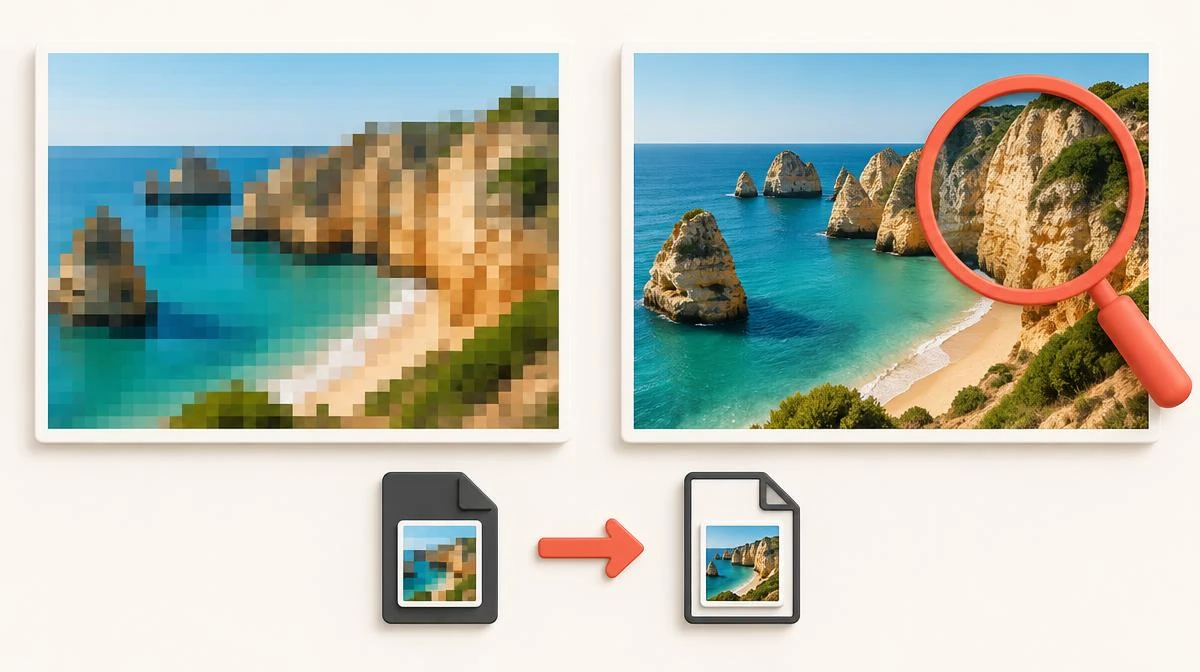
This guide shows you how to download Instagram photos at full quality, because the usual tricks all fail quietly. Screenshots crop the image and crush the resolution. Instagram's Save button only bookmarks the post, and most downloader apps demand a login you should never share.
To learn how to download Instagram photos, obtain an authorized source image or use a service supporting the public post. The available rendition may differ from the camera original. This site retrieves accessible public-post images for permitted saving.
Why screenshots fail to download Instagram photos
A screenshot captures your screen, not the photo. Many people download Instagram pics this way and regret the quality later. Instagram displays images scaled to your display. The screenshot bakes in that smaller size along with interface elements, captions, and like counts. Cropping afterward makes the resolution even worse.
Original files look much better than what you see. Instagram stores photos at up to 1080 pixels wide, and a proper downloader fetches that file directly. If you find Instagram photos blurry, compare dimensions and source sharpness before choosing a fix. A larger file cannot reconstruct detail missing from the published photo. Compare 2 copies at 100% zoom when you save Instagram photos.
Three steps to download Instagram photo files
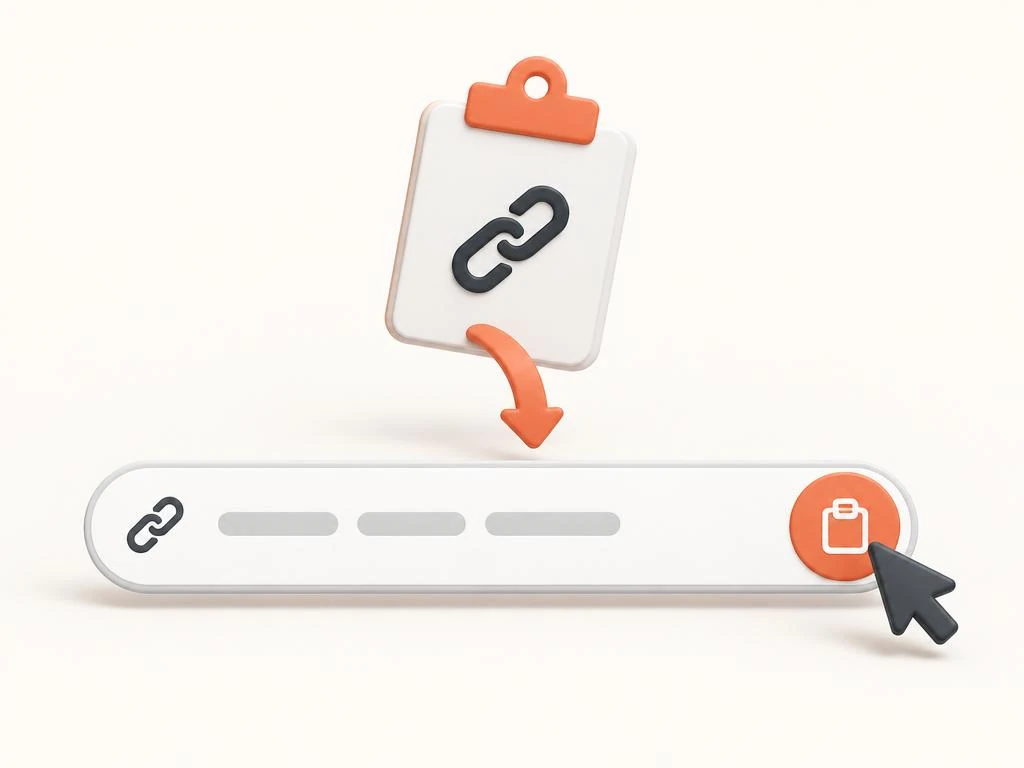
The reliable answer to how to download Instagram photos is the link method. It works the same on every device. You need only the post link and a browser.
- Open the photo in Instagram and tap the three-dot menu, then choose Copy Link. On desktop, copy the URL from the address bar.
- Open the Instagram photo downloader and paste a permitted public post link into the input box. Prepare an available image, then select Save file.
- Tap Download and save the full-resolution image to your device.
| Method | Quality | Carousel support | Login needed | Verdict |
|---|---|---|---|---|
| Link-based downloader | Original 1080px file | Yes, every image | No | Best option |
| Screenshot | Screen resolution, cropped | One frame at a time | Yes | Last resort |
| Downloader apps | Varies | Sometimes | Often, risky | Avoid |
| Instagram Save button | No file at all | N/A | Yes | Only a bookmark |
iPhone: save photos through Safari
To download Instagram photos on iPhone, Safari handles the full job alone thanks to its built-in download manager. Copy the post link in the Instagram app, paste it into the downloader in Safari, and tap Download. The image lands in the Downloads folder inside Files.
Moving the photo into your camera roll takes one more step. Open it in Files, tap the share icon, and choose Save Image. Chrome on iPhone works too, but every download still routes through Files.
Android: grab photos through Chrome
To download Instagram photos on Android, the same three steps run in Chrome or any modern browser. Any solid IG photo downloader behaves identically here. Copy the post link, paste it into the downloader, and tap Download. The image appears in your Downloads folder and shows up in your gallery within a moment.
If the photo opens in a new tab instead of saving, long-press it and choose Download image. That behavior comes from the browser, not the tool, and the saved file is identical either way.
Desktop: how to download Instagram photos on PC
Desktop is the fastest case for anyone learning how to download Instagram photos, because copying the link needs no menu. Open the post on instagram.com, copy the URL from the address bar, and paste it into the downloader. The full-resolution image saves to your default Downloads folder.
This route suits batch saving best. Keep the downloader open in one tab and Instagram in another, then paste links one after another. People who download photos from Instagram in batches save real time this way. Each download is independent, so nothing queues or blocks.
Saving every photo from a carousel post
Carousel posts hold up to twenty photos and videos behind one link, and screenshots force you to capture each frame separately. A good Instagram photo downloader reads the whole post and lists every item. You pick one image or save the entire set where supported. The Instagram carousel downloader describes multi-item posts separately from single-photo saving.
Each available carousel item saves separately. Photos and MP4 files reflect the supplied rendition, not a guaranteed camera original. Missing slides and access changes can limit completeness.
Downloading a profile picture in full size
Profile picture viewing and zoom controls can vary by app version. An Instagram profile picture downloader has a different input and retrieval scope from a post-image tool. This tool does not accept profile URLs; request an authorized image from the owner.
This works for any public profile, including brands and creators whose logos you need for a presentation or credit line. Private profiles stay hidden, which is the correct behavior.
Safe Instagram image downloader habits and respect
The one rule that protects you is simple: never type your Instagram password into a downloader. Legitimate tools work from the public link alone. Any site asking for your login is after your account, and no photo is worth that trade.
Review is Instagram downloader safe for password, privacy, and file checks before using an unfamiliar saving service. On the ethics side, public visibility does not grant unrestricted reuse rights. Reposting it as your own work is not. Credit the photographer when you share, ask permission for anything commercial, and leave private accounts alone entirely.
How to download Instagram photos: questions answered
How do I download Instagram photos to my phone?
Copy the post link from the three-dot menu, paste it into an Instagram photo downloader in your browser, and tap Download. The image saves to Downloads on Android or the Files app on iPhone.
Can I download Instagram photos without an app?
Yes. A browser-based downloader needs no installation. Safari on iPhone, Chrome on Android, and any desktop browser all handle the full process from link to saved image.
How do I download Instagram photos in full resolution?
Use the link method, not a screenshot. The downloader fetches the original file Instagram stores, up to 1080 pixels wide, with no cropping or compression.
How do I download all photos from a carousel post?
Paste the carousel link into the downloader and every item in the post appears as a separate file. Save one image or the whole set, each at original quality.
Can I download an Instagram photo from a private account?
No, and you should not try. Private photos are protected by design, and tools claiming to fetch them are stealing sessions. Stick to public posts.
How do I download Instagram photos on PC?
Open the post on instagram.com, copy the URL from the address bar, and paste it into the downloader. The image saves to your default Downloads folder.
Why is my downloaded Instagram photo blurry?
You likely saved a screenshot or a preview thumbnail instead of the original file. Re-download through the link method and the full-resolution image arrives.
Can I download an Instagram profile picture?
This site accepts public post links, not profile URLs or avatars. An Instagram profile picture requires a separately supported authorized source.
Does the owner know I used an Instagram photo downloader?
A public-link request does not use your Instagram account here. That does not prove no operator logging or guarantee notification behavior across methods.
How to download Instagram photos I posted myself?
Instagram's data download tool in settings exports everything you posted. For a quick single save, the same link method works on your own public posts too.