How-To Guides
How to Download Instagram Reels Without Watermark
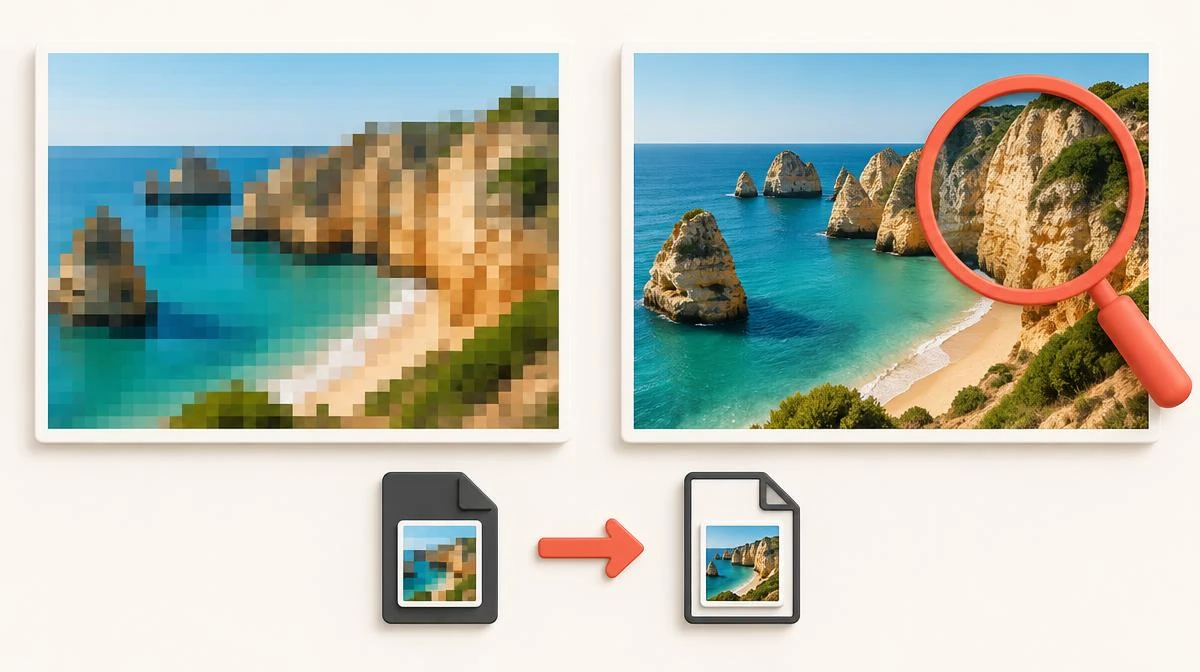
To download Instagram Reels without watermark, save the public Reel link through a downloader that fetches the original file. A direct save of the publicly served video adds no logo, username stamp or app branding.
People phrase this search many ways: save Reels without watermark, instagram reel download no watermark, instagram without watermark, or reel without watermark. The job is the same. This guide explains what the watermark on a Reel actually is and which download routes keep the file clean. It also covers the cases where a logo is baked into the video and no honest tool can remove it.
What the watermark on an Instagram Reel actually is
When people search for a Reels download without watermark, they usually mean one of three different marks. Each comes from a different place, and each has a different fix.
The first is Instagram's attribution stamp. When you use Instagram's own Download option on a public Reel, the saved file carries the Instagram logo and the creator's username. This is deliberate attribution, added by Instagram at save time.
Downloader branding is the second kind. Some apps and sites stamp their logo onto your file so you advertise them. A well-behaved downloader never does this.
A third mark lives inside the video itself: a TikTok logo on a cross-posted clip, or an editing app's export badge. The creator baked that mark into the video pixels before the clip ever reached Instagram.
- Instagram attribution stamp: added by Instagram's own Download button, shows the logo and username.
- Downloader branding: added by the tool you used, a sign to switch tools.
- Baked-in source marks: TikTok logos or editor badges inside the frame, present before upload.
Why Reels and TikTok watermarks work differently
TikTok adds a moving watermark with the creator's handle to every video saved through the app. That is why 'without watermark' became a standard search phrase for TikTok downloads.
Instagram works differently. The video a public Reel serves to browsers is the clean uploaded file. The watermark only appears when you save through Instagram's own Download feature, which adds attribution on purpose.
This means the cleanest route is not removing a watermark after the fact. It is choosing a save route that never adds one.
Steps to save a Reel without any watermark
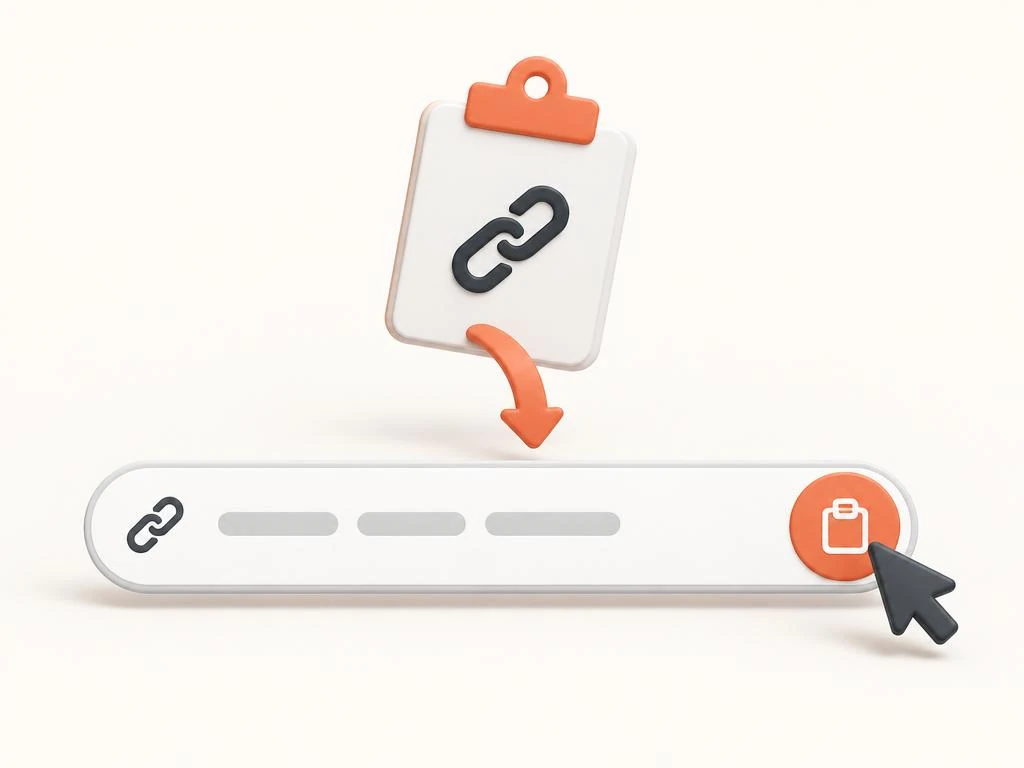
The process takes under a minute on any device. You need only the public Reel link and a browser. This is the standard route to download Instagram Reels without watermark stamps of any kind.
Open the Reel in the Instagram app or website. Tap the Share icon and choose Copy link. On desktop, you can also copy the address from the browser bar while the Reel is open.
Paste the link into the Instagram Reels downloader and submit. The tool reads the publicly served copy of the video and offers it as an MP4 file.
Save the file through your browser's download prompt. Play it once before editing or reposting to confirm the frame is clean and the audio is intact.
- Copy the full Reel link from the Share menu or the browser address bar.
- Paste it into the downloader and submit the form.
- Save the offered MP4 through your browser.
- Play the saved file once to verify quality, frame and audio.
When a watermark-free save is possible, and when it is not
A clean file is realistic in the common case: a public Reel uploaded directly to Instagram, saved through the public link. Anyone who wants to download Instagram Reels without watermark should start here, because the served copy has no added stamp.
You will still see branding when the creator uploaded a video that already contained one. A Reel cross-posted from TikTok shows the TikTok logo because it is inside the footage. An editor's free-tier export badge works the same way.
Nobody can remove a baked-in mark without editing the pixels. Searching "remove watermark" leads to editor tools, not downloaders. Tools claiming to erase such logos either crop the frame, blur a region, or re-encode the video, all of which damage quality. For a truly clean copy of your own cross-posted Reel, use the original file. Check your camera roll or editing app first.
- Clean save usually works: public Reels uploaded straight to Instagram.
- Branding remains: TikTok cross-posts and editor export badges recorded into the video.
- Not possible: removing a baked-in logo without cropping, blurring or re-encoding.
How to spot downloaders that add their own watermark

Some free tools stamp their logo onto your file or wrap the video in a branded frame. The motive is advertising: every clip you share promotes them.
Test any new tool with one unimportant Reel first. A reliable reels downloader without watermark branding never stamps your file. Play the saved file full-screen. Check all 4 corners and the edges for added marks before trusting the tool with anything important.
Two more warning signs deserve attention. A tool that asks for your Instagram password is a security risk, full stop. And a tool that only offers files inside its own app wants to lock you in, not serve you.
Screen recording versus a direct download
Screen recording feels like a universal fallback, but it is the weakest option. The recording captures at your screen's refresh rate, not the video's original quality. Interface elements like the like button or captions can also appear in the frame.
A direct download of the publicly served file preserves the original resolution, often 1080 x 1920. It also keeps the original frame rate and audio track. The difference is visible on any large screen.
Reserve screen recording for the rare case where no fetch of the Reel succeeds. Accept that the result is a viewing copy, not an editing source.
| Factor | Direct download | Screen recording |
|---|---|---|
| Resolution | Original served quality | Limited to screen capture |
| Frame rate | Original | Device refresh rate |
| Audio | Original track | Re-recorded, may clip |
| Interface marks | None | Buttons and captions possible |
| File size | Efficient MP4 | Often larger for less quality |
Save clean Reels on iPhone, Android and desktop

On iPhone, copy the link from the Share sheet, paste it into the downloader in Safari, and save the file. iOS 16 and later place browser downloads in the Files app under Downloads.
Android follows the same flow in Chrome. Saved files land in the Downloads folder and appear in the Gallery or Google Files app.
Desktop browsers on Windows or Mac work the same way. Copy the Reel URL from the address bar, paste it into the tool, and save through the normal download dialog. You need no app install on any platform.
Clean files still carry the creator's rights
A watermark-free file is a technical result, not a permission slip. Anyone who chooses to download Instagram Reels without watermark still holds no rights over the content. The creator's copyright applies to the clean copy exactly as it applies to the stamped one.
Saving your own Reels, keeping personal copies, or using content with the creator's written permission are reasonable uses. Reposting someone else's clean Reel as your own work is infringement on every platform, watermark or not.
If you plan to repurpose your own Reels for TikTok or YouTube Shorts, starting from a clean file is exactly right. Both platforms reduce the reach of uploads that carry a competitor's watermark.
Reels without watermark: common questions
Do downloaded Instagram Reels have no watermark?
It depends on the route. Instagram's own Download option adds the logo and the creator's username. When you download Instagram Reels without watermark through the public Reel link, the served file adds nothing at all.
Can a downloader remove a TikTok watermark from an Instagram Reel?
No. A TikTok logo visible inside the frame was recorded into the video before upload. Removing it requires cropping, blurring or re-encoding, which damages quality. For your own cross-posts, use the original file from your camera roll instead.
Why does my reel without watermark still show a logo?
Either you saved through Instagram's own Download option, which adds attribution, or the creator uploaded a video that already contained a mark. Check the original Reel: if the logo moves with the video, it is baked in.
Is it legal to save Reels without watermark marks?
Saving a public Reel for personal use is generally low-risk, but copyright stays with the creator regardless of watermarks. Republishing someone else's content as your own is infringement whether the file is clean or stamped.
Does Instagram notify the creator when I download a Reel?
Instagram does not send creators a notification when someone saves their public Reel through a link. Creators can see aggregate counts of saves made inside the app, but not who saved.
Can I download Reels without watermark on iPhone?
Yes. The iPhone route to download Instagram Reels without watermark is simple. Copy the Reel link from the Share sheet, paste it into the downloader in Safari, and save the file. It lands in the Files app under Downloads on current iOS versions.