Creator Guides
Repurpose Instagram Reels for TikTok and Shorts
To repurpose Instagram Reels for TikTok and YouTube Shorts, download your own Reel at full quality. Then re-upload it with native captions, sounds and hashtags in each app.
People describe this job many ways: repost Reel on TikTok, move Instagram to TikTok, or send Instagram to YouTube Shorts. This guide covers the full workflow to repurpose Instagram Reels from your own catalog. You will learn how to get a clean source file, match each platform's specs and avoid the watermark penalty.
Why repurpose Instagram Reels for TikTok and Shorts
Short vertical video uses the same format on Instagram, TikTok and YouTube. A Reel that performs well on one platform has a real chance on the other two.
Creators who cross-post grow total reach faster than those who post on one app. Production time stays flat while distribution triples.
The catch is that each platform rewards native behavior. A lazy repost with a visible watermark can perform worse than not posting at all.
Cross-post only your own Reels with ownership or permission
Repurposing means republishing your own videos, or videos you have written permission to use. Uploading someone else's Reel as your own is copyright infringement on every platform.
All three apps run repeat infringer policies that can end an account after multiple violations. Public visibility of a Reel does not grant you reuse rights.
If you like another creator's idea, remake the concept with your own footage. You can also ask the creator for permission and credit them as agreed.
Download your own Reel as a clean source file
The best source file is the original video on your camera roll or editing app. If you still have that file, use it and skip downloading entirely.
If the original is gone, open the share menu on your own Reel and look for a Download option. Instagram's Account Center also offers a full data export of your posts.
A third route uses the public Reel link. Our Instagram Reels downloader retrieves the publicly served copy, which works for your own public Reels. That copy may carry more compression than your original file.
- Best: the original file from your camera roll or editor, before any upload compression.
- Good: Instagram's own Download option on your Reel, where available.
- Acceptable: the publicly served copy via the public Reel link, when the first two are unavailable.
Remove the Instagram watermark before TikTok or Shorts
Some download routes burn the Instagram logo and your username into the video. TikTok and YouTube both detect competitor watermarks and reduce distribution of watermarked uploads.
The fix is simple: start from a file that never had the watermark. Your original camera-roll file has none, and a served-copy download saves the video without an added logo.
Do not crop a watermark out by zooming into the frame. Cropping cuts off captions and faces, and the platforms still detect the resize pattern.
Match TikTok and YouTube Shorts vertical video specs
All three platforms use 9:16 vertical video at 1080 x 1920 pixels. A well-made Reel usually needs no reformatting for TikTok or YouTube Shorts.
The differences are length limits, file handling and safe text placement. Keep important text and faces in the center of the frame.
Every platform covers the right edge with like and comment buttons. The bottom carries captions and controls, so edge text gets hidden.
| Spec | Instagram Reels | TikTok | YouTube Shorts |
|---|---|---|---|
| Aspect ratio | 9:16 vertical | 9:16 vertical | 9:16 vertical |
| Resolution | 1080 x 1920 | 1080 x 1920 | 1080 x 1920 |
| Typical max length | Up to 3 minutes | Up to 10 minutes | Up to 3 minutes |
| Container | MP4 | MP4 or MOV | MP4 |
| Captions | In-app text and auto-captions | In-app text and auto-captions | Title plus auto-captions |
| Competitor watermark | Tolerates TikTok marks poorly | Downranks Instagram marks | Downranks Instagram marks |
Swap licensed music before you cross-post a Reel
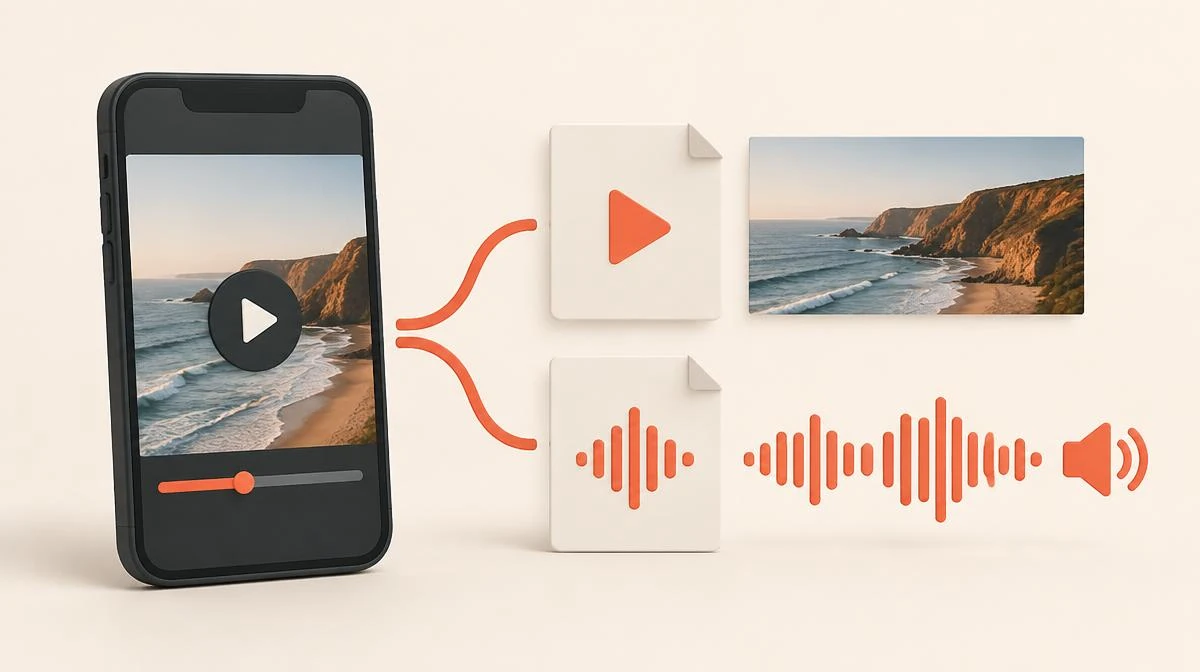
Music causes the most common repurposing failure. A trending song you used inside Instagram carries a license for Instagram only.
Upload the same audio to YouTube and the video can get muted or claimed. On TikTok the upload may fail the music check entirely.
Music rights differ per platform, so keep two audio layers in mind: your voice or original sound, and the music. Save a version where you can swap the music, then add a trending sound natively inside each app. A native upload in each app beats any shared draft.
If your Reel is a talking-head video with no music, you have nothing to change. Original speech carries across platforms without any licensing issue.
Edit captions and hashtags for TikTok and Shorts natively
Cross-posting works best when each upload feels native. That means redoing the lightweight layers: captions, on-screen text, hashtags and the description.
TikTok audiences respond to casual, direct text and trending sounds. YouTube Shorts behaves more like search, so a clear title with the topic keyword matters.
Rewrite the caption for each platform rather than copying it. A caption that references Instagram-only features signals a low-effort repost to viewers.
- TikTok: add a native trending sound at low volume under your audio. Use 3 to 5 specific hashtags and keep on-screen text large and centered.
- YouTube Shorts: write a searchable title that names the topic, add a short description, and skip hashtag stuffing.
- Instagram: keep the original caption style, and re-add any interactive stickers natively instead of recording them.
Follow five steps for a clean native upload everywhere
Once you have done it a few times, repurposing one video takes under ten minutes. The workflow below assumes you start from your own published Reel.
- 1. Save the source: use your original file, Instagram's own download on your Reel, or the public Reel link through a downloader.
- 2. Check the file: confirm it is 9:16, has no watermark, and that the audio is original or replaceable.
- 3. Swap the music: if the Reel used a licensed track, plan a native replacement sound in each app.
- 4. Upload natively: post to TikTok and YouTube Shorts from each app, re-adding text, captions and sounds there.
- 5. Rewrite the metadata: fresh caption, title and hashtags per platform, then note the posting time for your records.
Plan posting time and order when you cross-post Reels
No proven rule says one platform must come first when you repurpose Instagram Reels. Fresh uploads get an initial distribution test on each platform, so same-day posting keeps momentum aligned.
Many creators post to their strongest platform first and watch the first hour of comments. They then use those questions to improve the caption on the other two platforms. Creators who cross-post Reels to TikTok see the best results from clean source files.
Avoid posting at the exact same minute everywhere if your audience overlaps heavily. Staggering by a few hours gives each audience a separate chance to react.
Avoid four common mistakes when you repurpose Instagram Reels
Most repurposing failures come from four avoidable mistakes. Fixing them costs nothing and usually improves the cross-platform result.
The first is watermark carry-over, covered above. Baked-in captions come second: another app's interface covers them, so always re-add text natively. Licensed music comes third, and it can mute the upload. The fourth is ignoring the Shorts title field, which drives search traffic on YouTube.
A quieter mistake is giving up after one cross-post underperforms. Each platform's algorithm tests content independently, so judge the strategy after ten videos, not one.
Measure watch percentage and reach on each platform
Track three numbers per platform for every repurposed video: views in the first 48 hours, average watch percentage, and follows gained.
These three tell you reach, quality and conversion without any paid analytics tool. Compare platforms against each other, not against your expectations.
A simple spreadsheet with one row per video is enough. After a month you will see which of your repurposed Instagram Reels travel well across platforms.
Legal rules and music rights for repurposed Reels
Repurposing your own content is fully legal and every platform encourages it. Repurposing other people's content without permission is infringement, even when the source was public.
Music licensing is the one trap that catches honest creators. A song licensed inside Instagram carries no license for YouTube or TikTok, so swap music natively in each app.
If a brand deal appears in your contracts, check who owns the footage. Some deals grant the brand exclusive posting rights for a period, even when your face appears in the video.
Repurposed Reels: common questions about copyright and quality
Can I repurpose someone else's Instagram Reel to TikTok with permission?
Not without their permission. Republishing another creator's video as your own is copyright infringement, and every platform enforces repeat infringer policies that can end your account.
Does TikTok really penalize an Instagram watermark on repurposed Reels?
Yes. TikTok's creator guidance tells users not to post content with other platforms' watermarks, and creators consistently report reduced distribution for watermarked uploads.
What video format works when I repurpose Reels for YouTube Shorts?
A 9:16 vertical MP4 at 1080 x 1920 pixels works natively on Instagram Reels, TikTok and YouTube Shorts. Keep text and faces away from the edges so interface buttons do not cover them.
Can I keep the same trending sound when I cross-post a Reel?
Only if you add it natively inside each app. A song licensed in Instagram carries no license for YouTube or TikTok. A video with the track baked in can get muted or claimed.
Should posting time match when I cross-post a Reel everywhere?
Same day is fine; the exact same minute is unnecessary. Many creators post to their strongest platform first, then use early comments to improve captions on the other platforms.
How do I download my own Reel if the camera roll original is gone?
Check the share menu on your own Reel for Instagram's Download option. You can also request a data export from Account Center, or use the public Reel link through a downloader. The original camera-roll file is always the best source.