How-To Guides
Instagram Reel Thumbnails: Download, Edit, Test
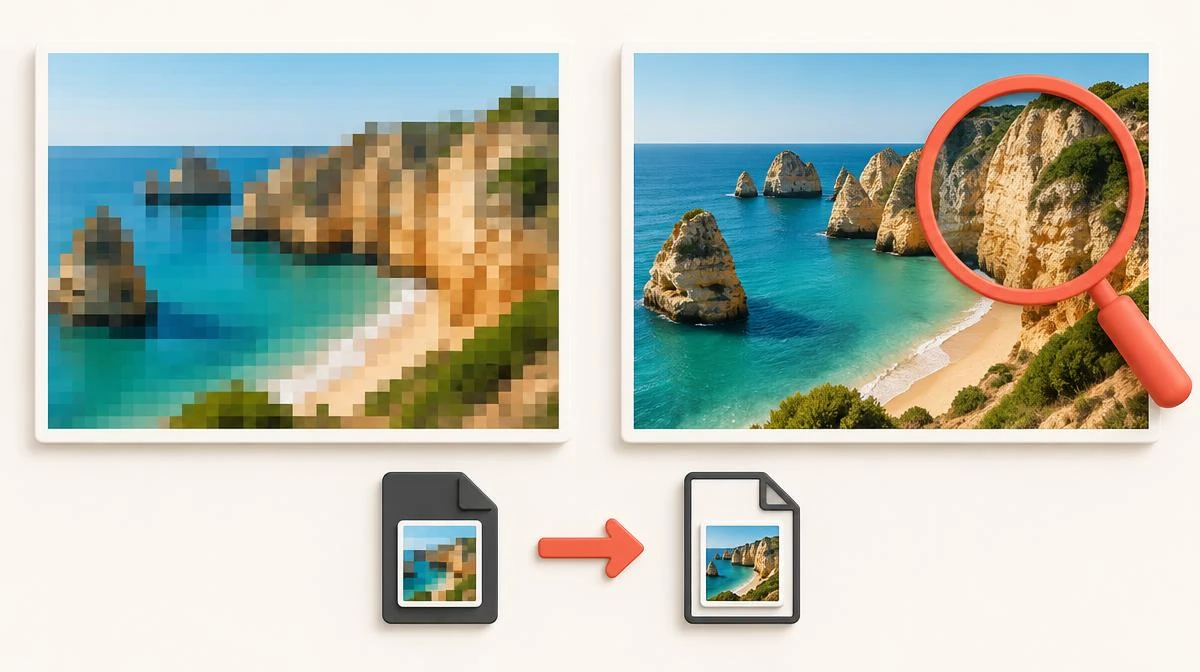
An Instagram reel thumbnail is the still image viewers see before the video plays. It sits on your profile grid, the Explore page and search results, so it decides whether someone taps or scrolls past. Instagram picks a frame by default, and that default is rarely your best shot.
This guide covers the full cover workflow. You will learn the correct reel cover size and how to download a reel thumbnail from any public post. Later sections show how to change the cover after publishing and how to A/B test designs. Each step works on phone and desktop, and each one aims at better click-through from the grid.
What a reel cover actually does
A reel cover is a static frame attached to the video. It appears in three places: your profile grid, the Explore page, and hashtag or search results. In each spot the viewer sees the image before any motion starts.
Instagram auto-selects a frame when you skip the cover step. That frame is often a blur, a closed mouth or an awkward transition. A deliberate cover turns the same video into a grid tile that earns the tap.
Creators sometimes call this image the reel thumbnail, the cover photo or the poster frame. All three names describe the same asset, and the terms reel cover and video thumbnail are interchangeable in every menu Instagram shows.
The correct reel cover size and safe zone
The reel thumbnail size is 1080 x 1920 pixels with a 9:16 aspect ratio. That matches the full reel canvas, so nothing gets stretched or letterboxed.
On the profile grid, the cover crops to a square. Keep faces, text and logos inside the central 1080 x 1080 area so the grid preview never cuts them off. The full 9:16 image still shows on the Explore page and in search.
Export the finished design as a JPG or PNG under 8 MB. Larger files upload slowly and can fail on a weak connection.
- Full canvas: 1080 x 1920 pixels, 9:16.
- Grid safe zone: center 1080 x 1080 pixels.
- File format: JPG or PNG under 8 MB.
- Text size: readable at 160 pixels wide, the smallest grid render.
How to download an Instagram reel thumbnail
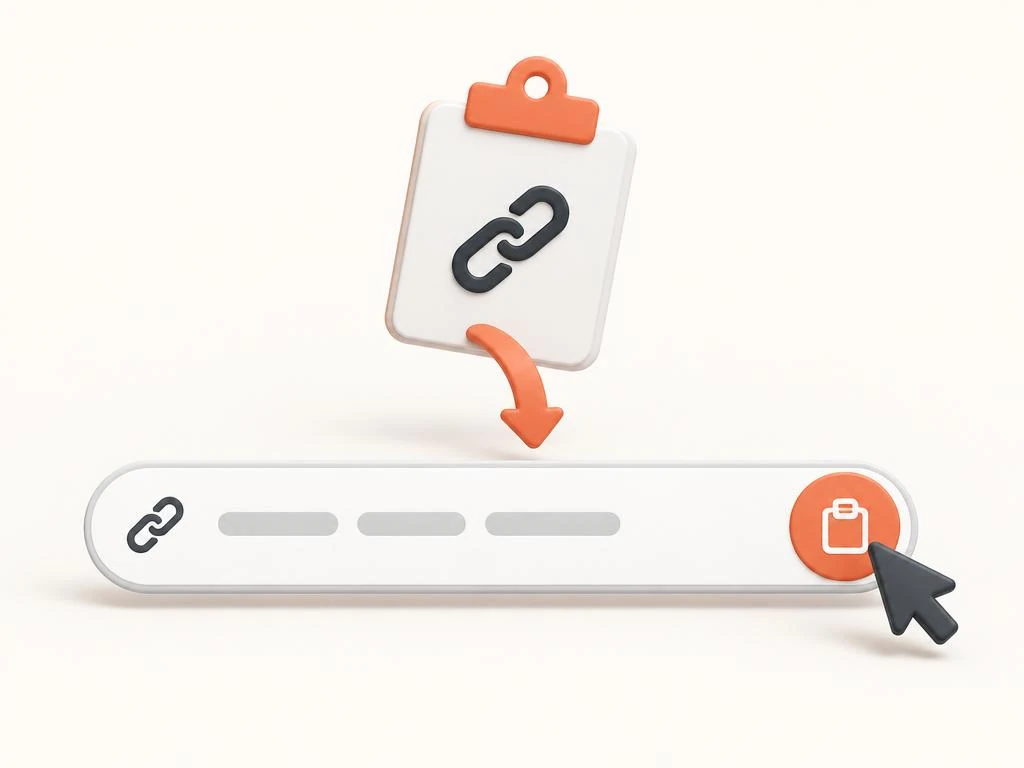
Instagram offers no button to save cover image files directly. The fastest route is a dedicated tool. Copy the public reel link, paste it into the Instagram thumbnail downloader, and save the JPG at the resolution Instagram serves.
Creators who download reel thumbnail images do it for three practical reasons. They archive their own designs before a rebrand. They build a swipe file of styles that earn clicks in their niche. They also pull a cover to reuse on YouTube or a blog post.
Save only what you have a right to keep. Your own covers are always fine. Another creator's cover belongs to them, so treat it as reference material rather than something to repost.
Change the reel cover after posting
A weak cover is not permanent, and the option to edit cover after posting lives in the Edit screen. Open the reel on your profile, tap the three-dot menu, choose Edit, then tap the cover image. Scrub the timeline to pick a frame or upload a custom cover from your gallery, and confirm with Done. The whole change reel cover flow takes under a minute.
Every view, comment and like survives the swap. Only the still image changes, so you can fix a bad first impression without restarting the post.
Give a new cover at least 48 hours before judging it. Feed impressions arrive in waves, and a same-day comparison mixes different audiences.
- Open the reel, tap the three-dot menu, choose Edit.
- Tap the cover, pick a frame or upload a 1080 x 1920 image.
- Confirm with Done; engagement history stays untouched.
- Wait 48 hours before comparing performance.
Design covers that earn the tap
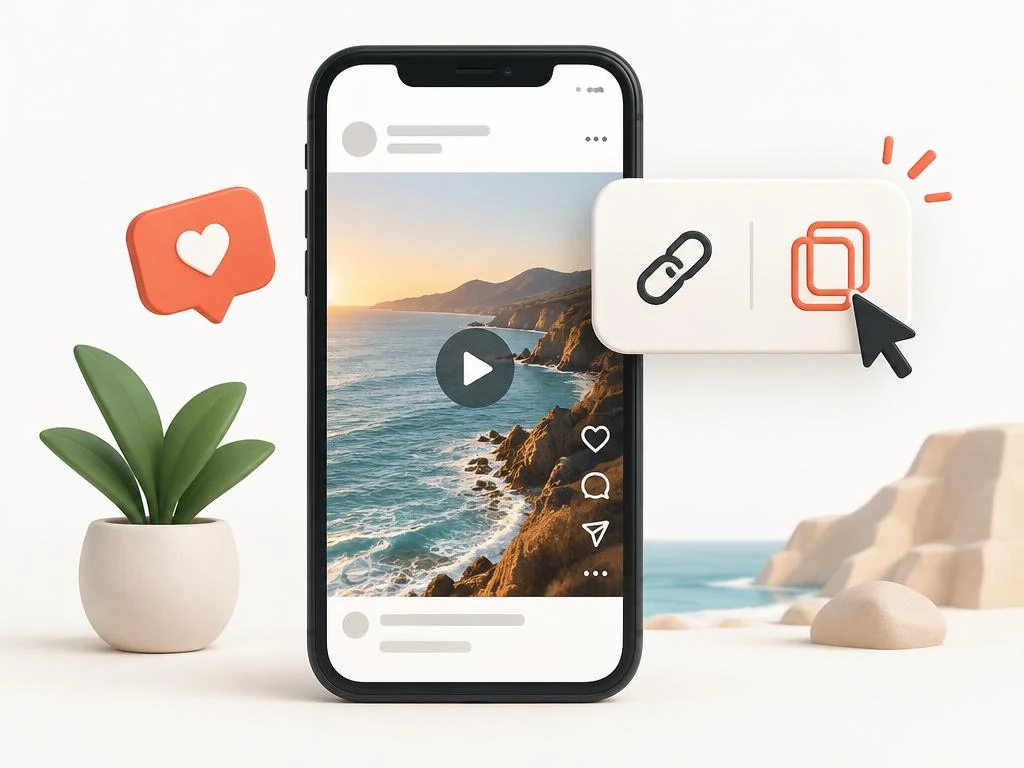
A strong Instagram reel thumbnail answers one question at a glance: what is this video about? One subject, one short text line and one clear contrast pair do that job. Crowded collages fail because the grid renders them tiny.
Creators customize covers in free editors. Canva, Adobe Express and Figma all offer 9:16 templates sized for reels. Start from a template, swap in a frame from your video, and add three to five words of text at most.
Keep a consistent system across your grid. Repeat the same font, color pair and text position on every cover. Viewers recognize a series before they read a word, and the grid aesthetic looks planned rather than accidental.
- One subject, one short text line, one contrast pair.
- Three to five words of text, readable at grid size.
- Same font and color pair on every cover in a series.
- Face close to the camera outperforms wide shots in most niches.
A/B test two covers against each other

A/B testing an Instagram reel thumbnail means comparing two designs on equal footing and letting the numbers decide. Instagram does not run the test for you, so the method is sequential. Publish with cover A, record the results, switch to cover B, and compare the same window.
Pick one metric before you start. Reach from non-followers suits growth goals, while profile visits suit conversion goals. Change only the cover between rounds, because a new caption or posting time pollutes the result.
This kind of thumbnail testing lets you test covers with real audience data. Run each version for the same number of days at similar posting times. Two full days per version is a practical minimum, and a week per version gives cleaner data for accounts with steady traffic.
Download both cover designs first so the losing version stays in your records. Over several tests you build a picture of what your audience taps, which beats any generic best-practice list.
- Publish with cover A, record reach and follows for a fixed window.
- Switch to cover B through the Edit screen, keep everything else identical.
- Compare the same window length at similar posting times.
- Archive both designs and the result for the next test.
| Choice | Sequential cover swap | Guesswork redesign |
|---|---|---|
| Data basis | Real reach and follows per version | Personal taste |
| Cost | Free, uses the Edit screen | Free but unreliable |
| Time needed | Two days to one week per version | Instant, but inconclusive |
| Risk | Low; engagement history survives | Repeats past mistakes |
Reuse the reel cover as a YouTube thumbnail
A reel cover that earned taps on Instagram already proved itself as a thumbnail. Export the same design at 1280 x 720 for YouTube, or keep the 9:16 original for YouTube Shorts and Pinterest idea pins.
Crop the center square for blog headers and social cards. One design session then feeds three platforms, which is the cheapest content repurposing available.
Adjust the text when the platform changes. YouTube viewers read titles beside the thumbnail, so the image can carry fewer words than an Instagram grid tile.
Instagram reel thumbnail questions
What size should an Instagram reel thumbnail be?
Design at 1080 x 1920 pixels with a 9:16 ratio. Keep the subject inside the center 1080 x 1080 square, because the profile grid crops the cover to that shape.
Does the downloader let me save cover image files from other reels?
A tool can save the Instagram reel thumbnail from any public reel, but the image belongs to its creator. Use others' covers as design reference only, and download your own freely.
Does changing a reel cover delete views or comments?
No. Editing the cover through the three-dot menu changes only the still image. All views, likes, comments and watch-time history stay on the post.
How do I A/B test reel covers without a special tool?
Publish with one design and record reach and follows over a fixed window. Then swap the cover through Edit and compare the same window. Change nothing else between rounds.
Why does my cover look cropped on my profile grid?
The grid shows a square crop of the 9:16 cover. Move faces and text into the center 1080 x 1080 area and the grid preview will show them fully.
Can I use my reel cover as a YouTube thumbnail?
Yes. Export the design at 1280 x 720 for standard YouTube videos, or reuse the 9:16 original for Shorts. Reduce on-image text, because YouTube shows the title next to the thumbnail.